Panier

- Exclusivité web !
- -100%
- Neuf
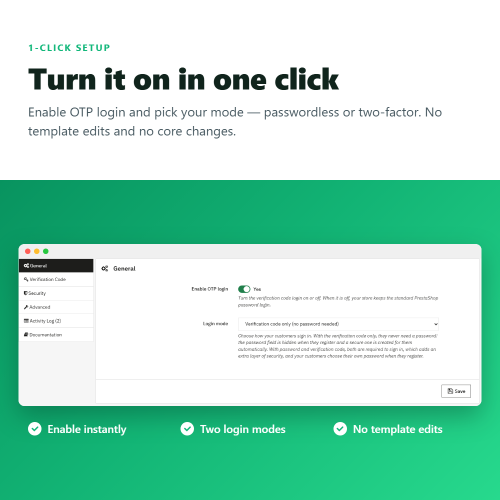
⚡ One module, two ways to sign in: drop passwords entirely, or keep them and add a one-time code as a mandatory second step. You pick the mode, the module does the rest.
❓ Why choose our module?
❓ What makes this module essential for your store?
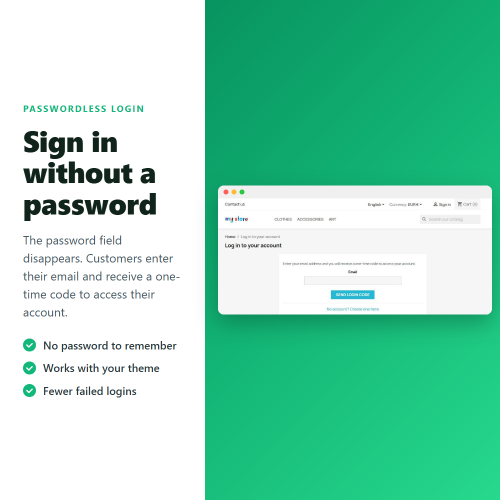
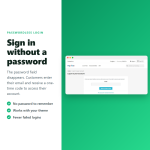
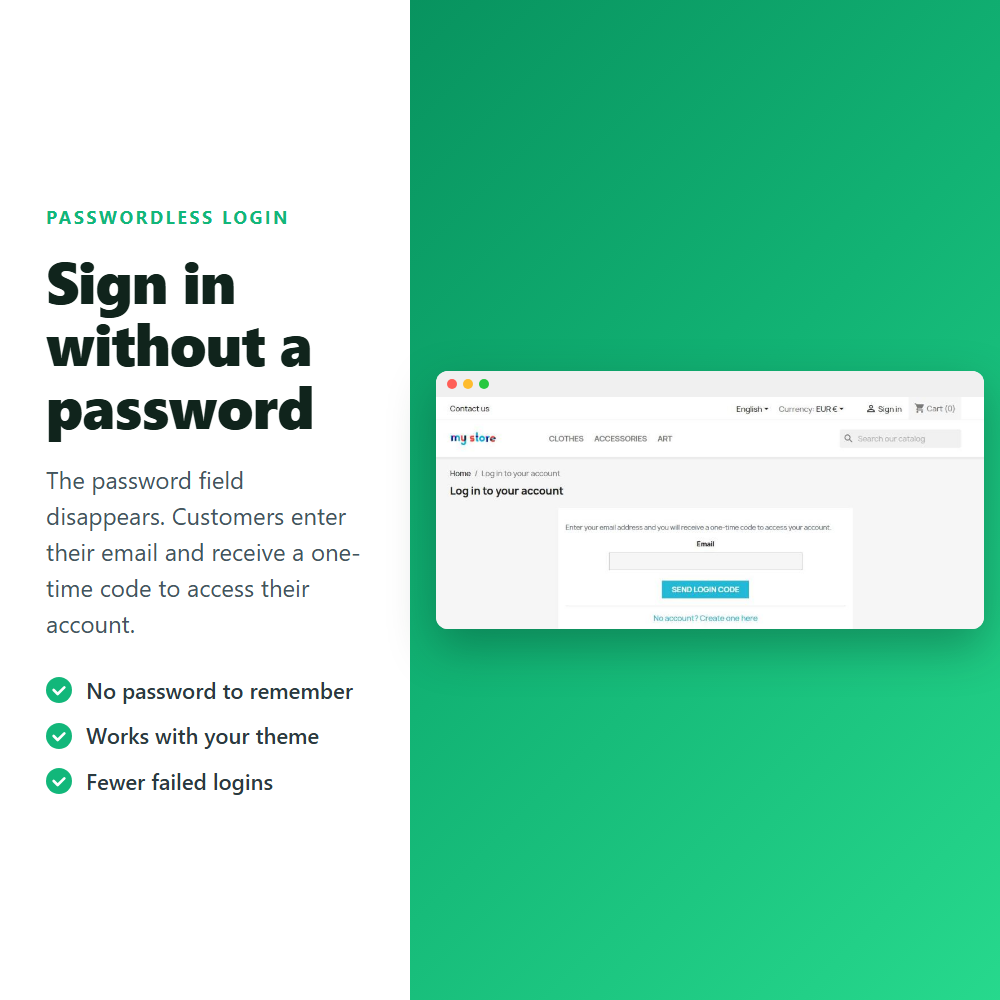
Customers enter their email and the one-time code they receive in their inbox. There is no password to phish, guess or breach, and no "I forgot my password" support tickets.
TOP feature! ⚡
Prefer to keep passwords? Switch to the second mode and the password becomes the first step, with an emailed code as a mandatory second one. A stolen or reused password is no longer enough to reach an account.
ESSENTIAL! ✅
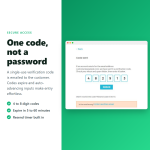
The code email lists the date and time, the device, the browser and the IP address with its approximate location, so your customer recognises their own request or spots one that is not theirs. ✌️
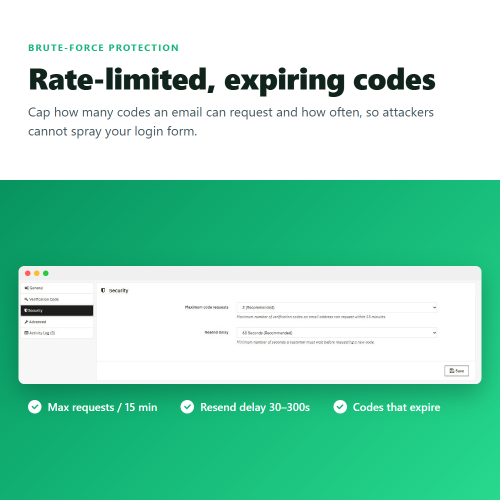
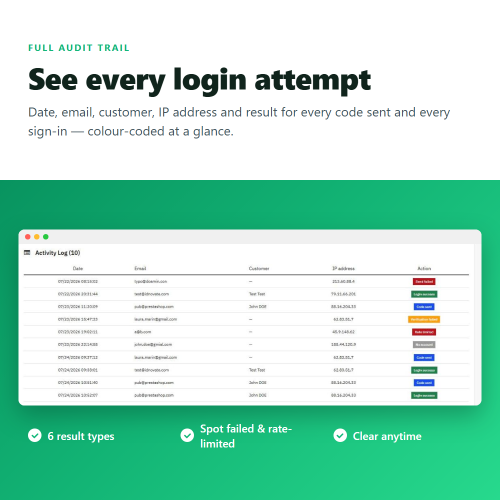
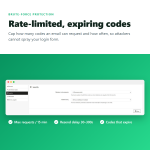
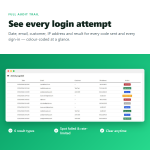
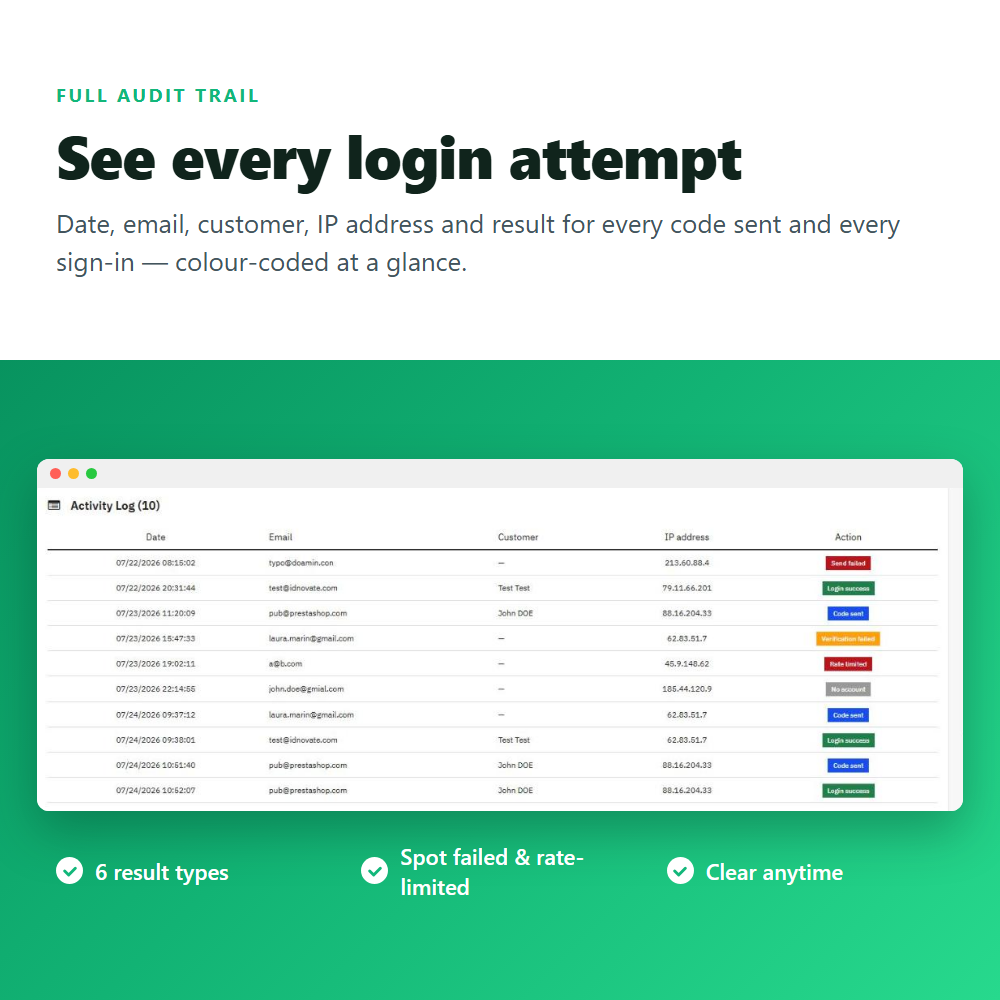
Rate limiting stops attackers from spraying your login form, and the built-in activity log shows exactly what happened — code sent, login success, verification failed, rate limited, no account or send failed — for every attempt.
POWERFUL! ✨
❓ What are the main features of this module?
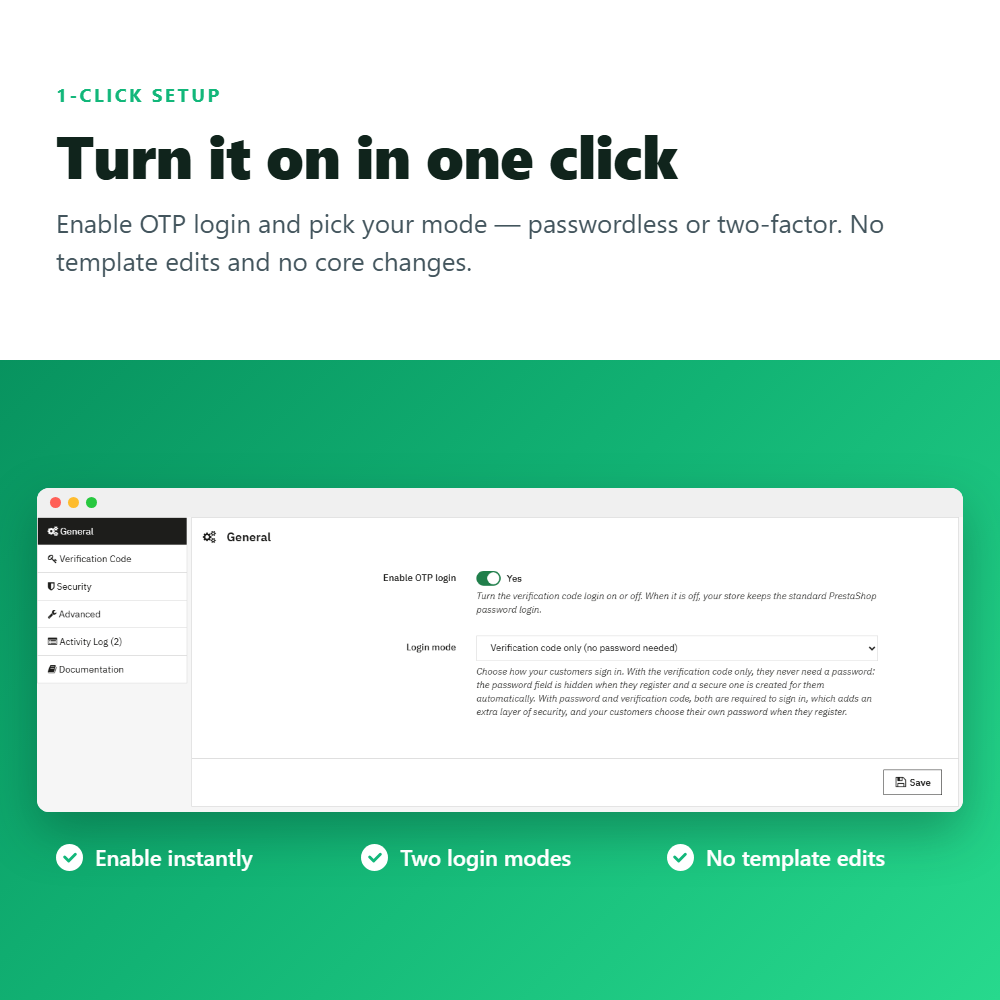
Choose how your customers sign in and everything else adapts. With the verification code only there is no password anywhere, not even at registration. With password and verification code both steps are required, which gives every account two-factor security. Registration follows the mode you pick automatically, so there is nothing else to set.
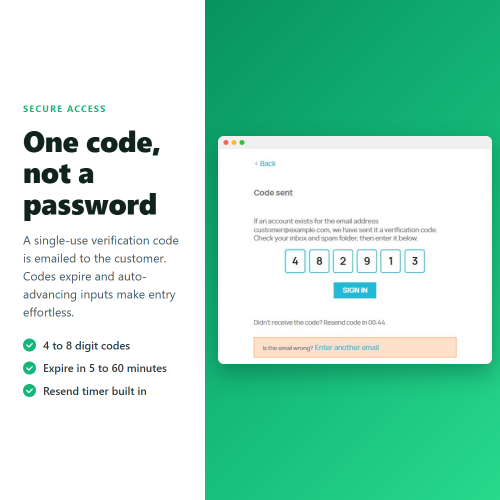
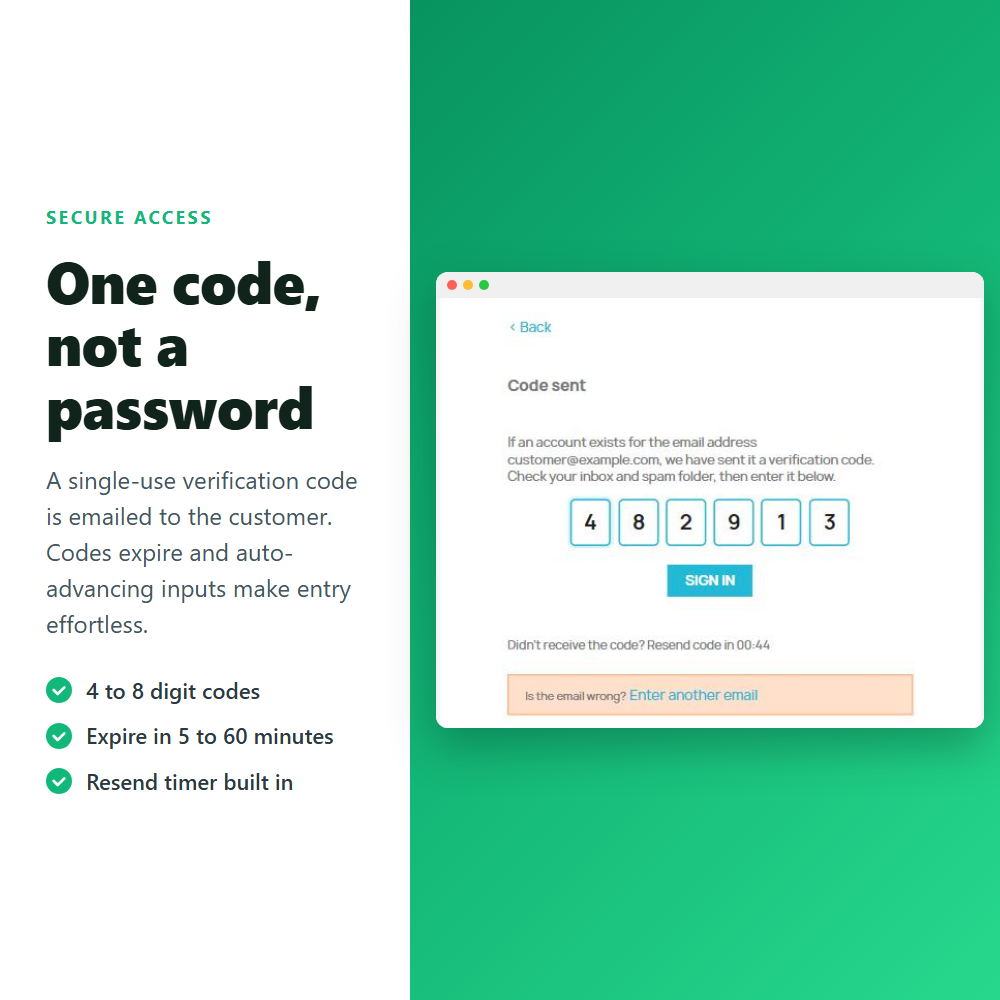
The login page gains an email and verification code flow that fits your theme. The customer enters their email address, receives a numeric code in their inbox, types it in and is signed in.
In verification code mode, new customers never have to invent a password: the password field is hidden on the registration form and a secure random password is generated and stored for them automatically. In two-factor mode they choose their own instead.
Each code email explains where the request came from: the date and time of the attempt, the device and browser used, and the IP address with its approximate location.
Adjust the code to your security needs: pick a length of 4, 5, 6 or 8 digits and a validity of 5, 10, 15, 30 or 60 minutes. Every code can be used only once.
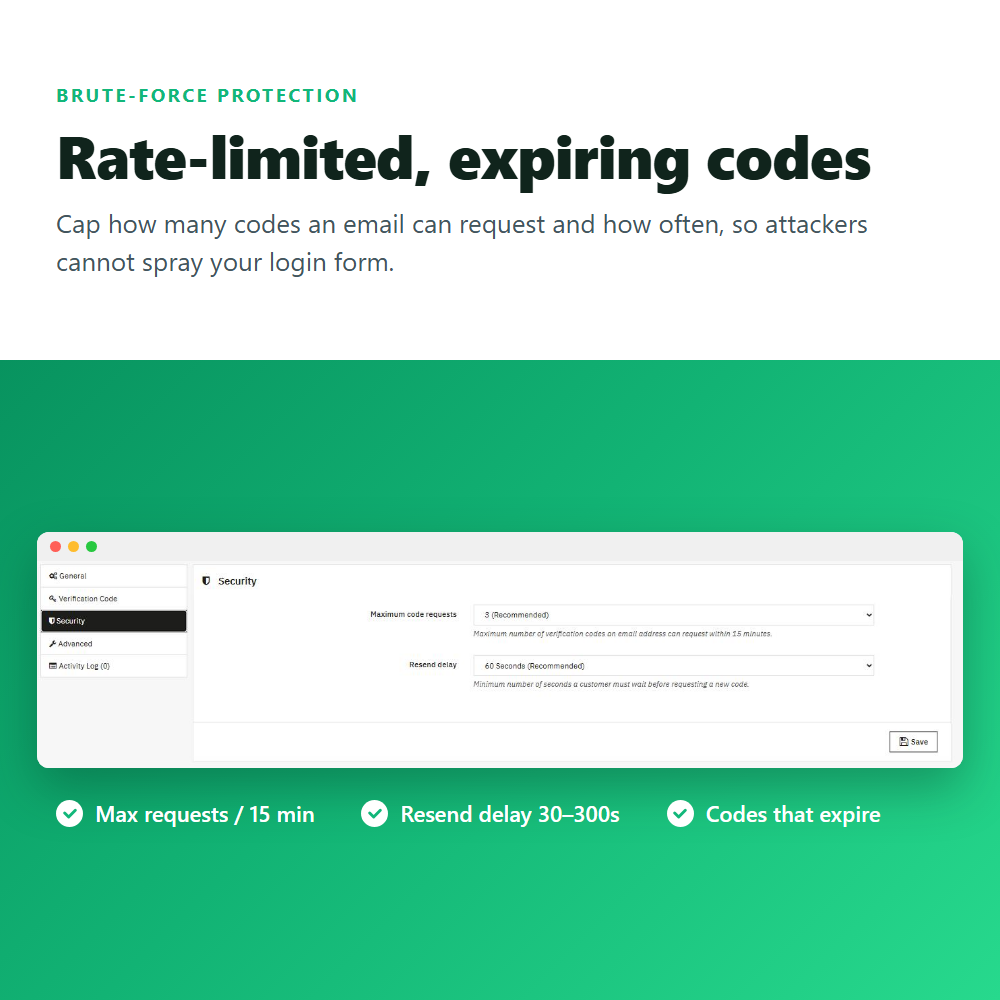
Keep attackers from flooding your login form with code requests. Limit each address to 1 to 10 codes every 15 minutes and set a resend delay of 30 to 300 seconds. The anti-enumeration message never reveals whether an account exists.
See exactly what is happening on your login page. Every attempt is recorded with date, email, customer, IP address and result, sorted into six colour-coded outcomes: code sent, send failed, rate limited, no account, login success and verification failed. You can clear the log whenever you need.
Fit the module to any theme without editing template files. The CSS selectors for the password field and the forgot-password link are configurable, you can inject your own CSS and JavaScript into the login page, and a one-click database check and repair plus a mail-template reset are built in.
FREQUENTLY ASKED QUESTIONS - FAQ
❓ Do I have to remove passwords from my store?
➡️ No, that is your choice. Pick the verification code only mode to drop passwords, or the password and verification code mode to keep them and add a second step ✅.
➖
❓ Is this real two-factor authentication?
➡️ Yes, in the second mode. The password is checked first and the emailed code is then required as a mandatory second step, so both are needed to sign in ✅.
➖
❓ What happens if a customer does not receive the code?
➡️ They can request a new one after the resend delay you set, and every attempt is stored in the activity log so you can help them ✅.
➖
❓ Does it change the look of my login page?
➡️ It reuses your theme's login page and simply adds the code panel, replacing the password field only when you choose the passwordless mode. You can also add custom CSS if needed ✅.
➖
❓ Is it compatible with social login (Google, Facebook, PayPal)?
➡️ Yes. Logins that already verify the customer without a password are never blocked, so social login and one-page checkout modules keep working ✅.
➖
❓ Does it work with multistore?
➡️ Yes, the module is fully multistore compatible and each shop keeps its own settings and activity log ✅.
➖
❓ Does it need an external service or paid account?
➡️ No. Codes are generated inside your store and sent with your own PrestaShop email configuration — no third-party service required ✅.
➖
❓ Can customers register without a password?
➡️ In the verification code mode, yes: the password field is hidden and a secure one is created automatically. In two-factor mode they choose their own, because it is the first step of the login ✅.
➖
❓ Do you offer support and updates?
➡️ Yes. You get free updates and support from idnovate. Contact us before and after your purchase for any question ✅.