Koszyk
- Tylko online
- -100%
- Nowy
⚡ TWO-FACTOR AUTHENTICATION (2FA) FOR YOUR PRESTASHOP BACK OFFICE ⚡
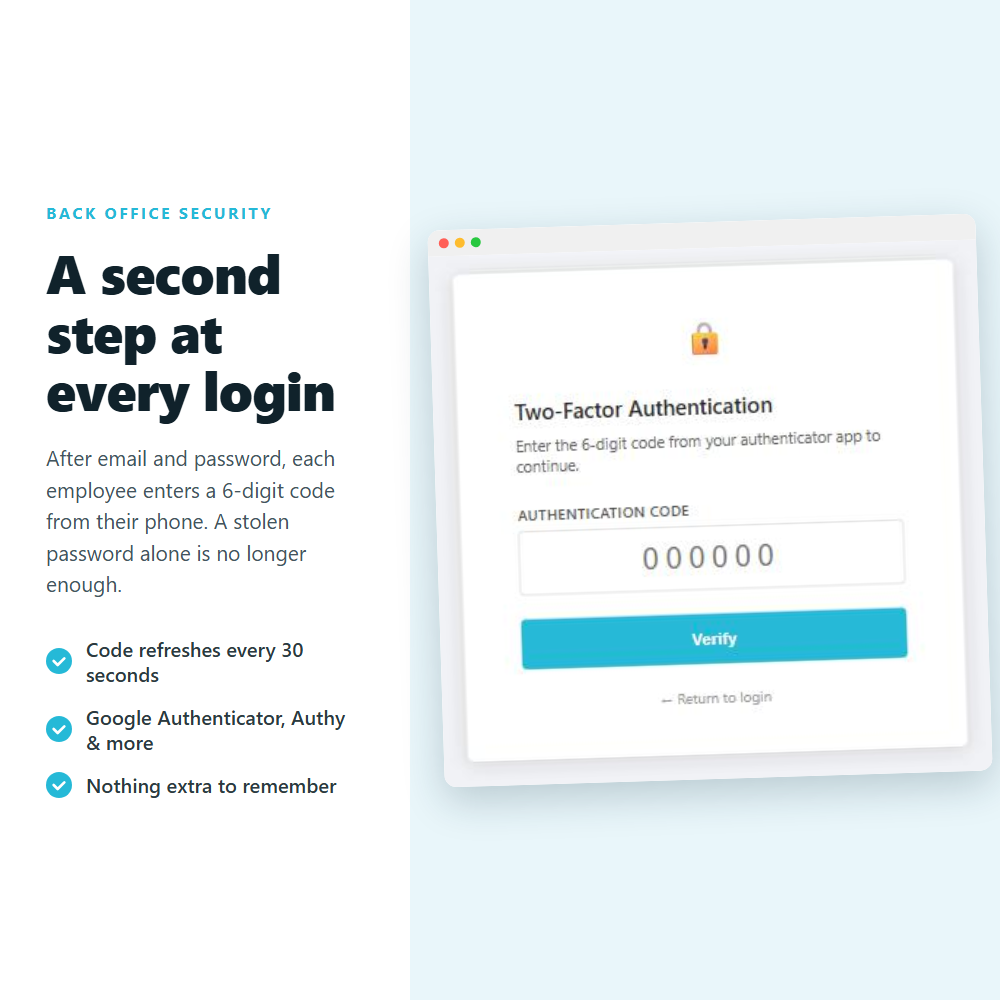
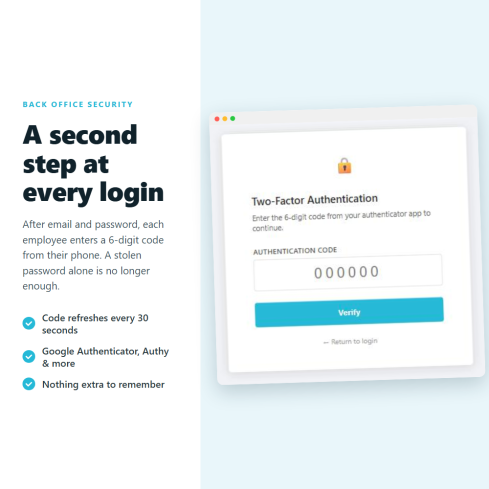
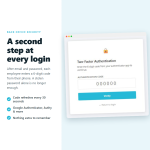
Protect your PrestaShop back office with two-factor authentication (2FA): every employee signs in with their password plus a one-time 6-digit code that changes every 30 seconds, so a stolen or reused admin password alone can no longer open your store.
❓ Why choose our module?
❓ What makes this module essential for your store?
A back-office password can be phished, guessed or reused from another site that was breached. With 2FA active, an attacker also needs the code sitting on your employee's phone, which they do not have. Your orders, customer data and settings stay protected even if a password leaks.
TOP feature! ⚡
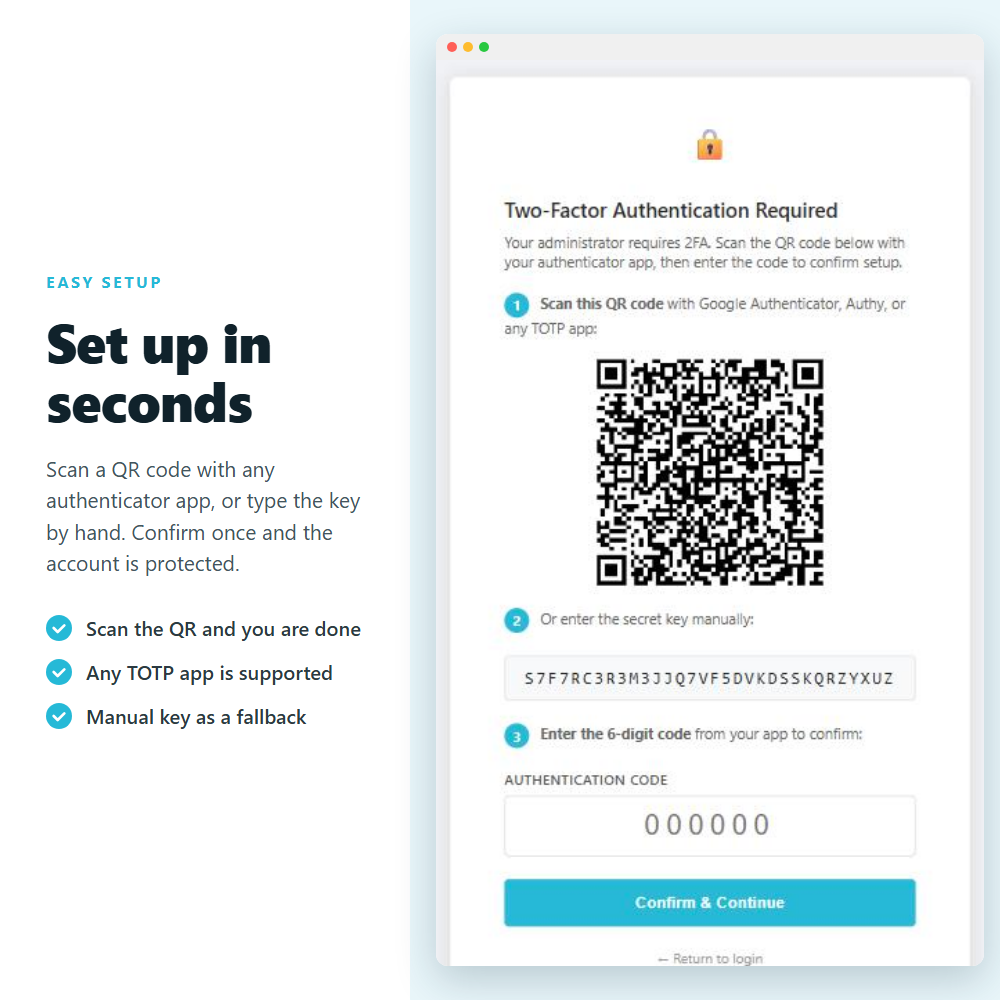
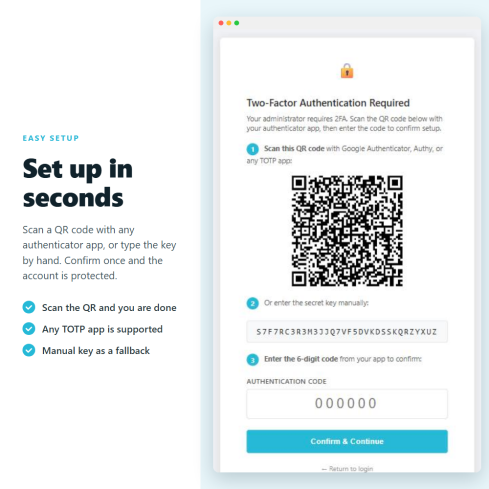
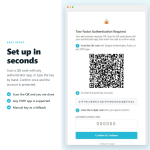
Each staff member gets their own secret key, set up in seconds by scanning a QR code with any authenticator app. Security stops depending on one strong password: every account is covered on its own.
BASIC! ✅
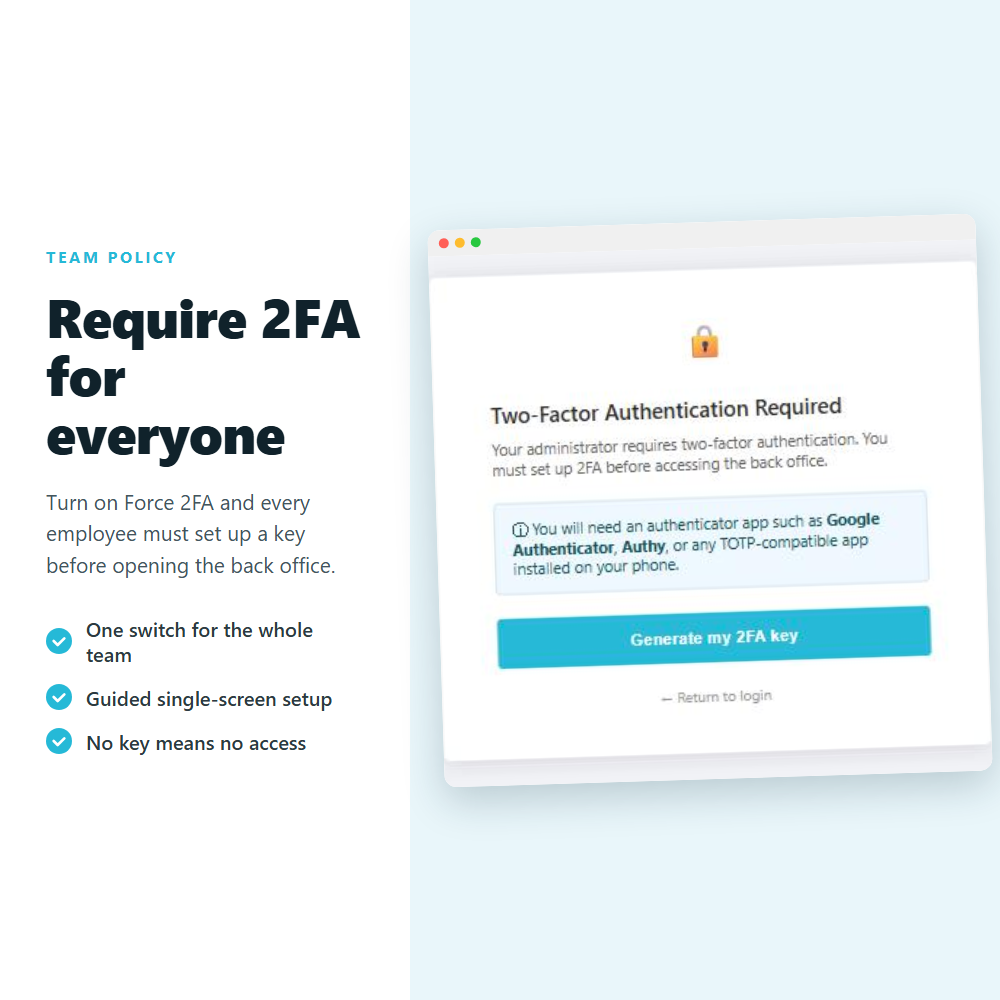
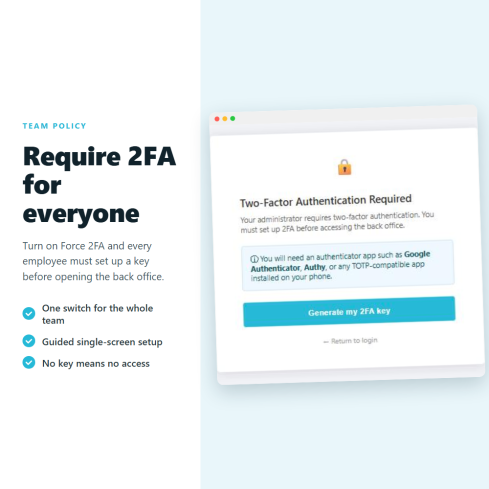
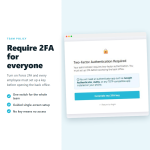
Turn on Force 2FA and every employee must set up a key before they can open the back office. Staff without a key are walked through a single-screen enrollment the next time they log in.
ESSENTIAL! ✌️
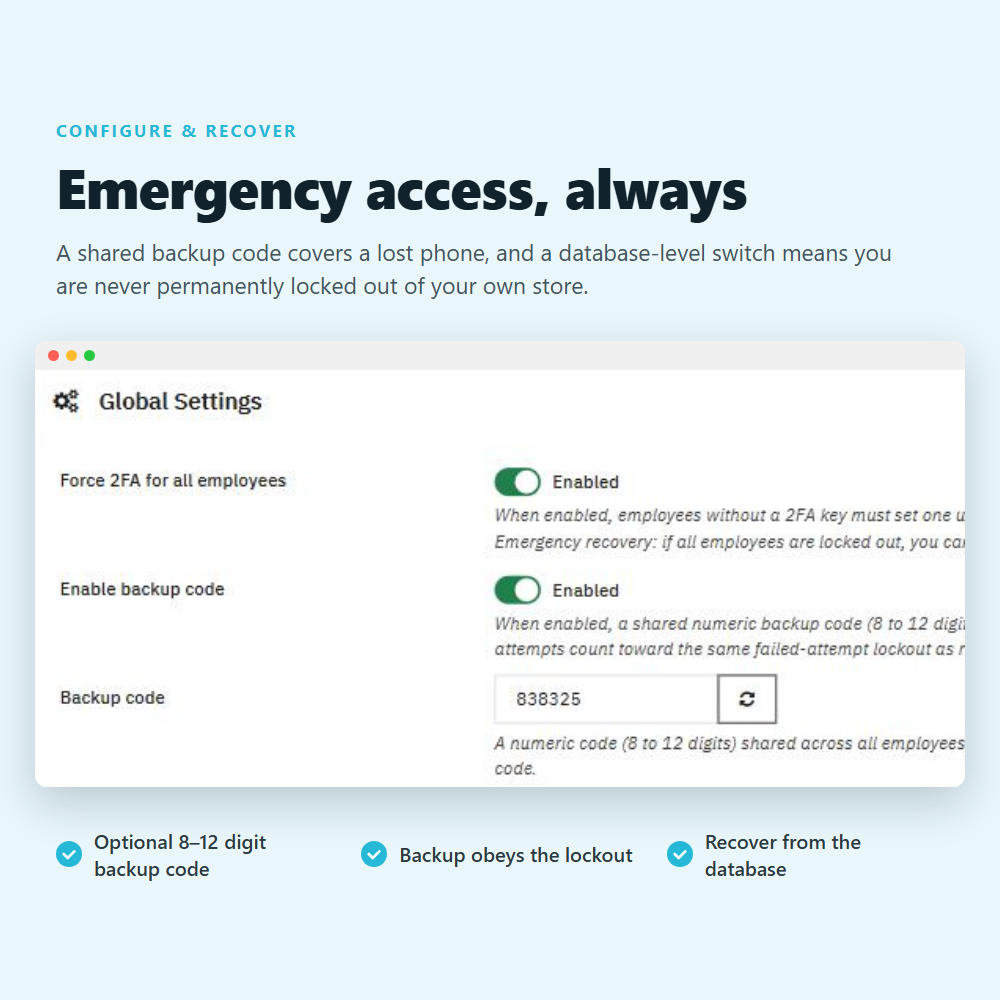
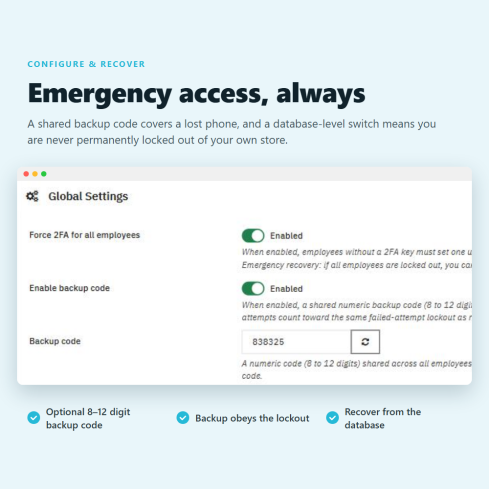
Every employee holds a personal recovery code that works once, so a lost phone is never a locked door, and a single configuration value can lift the requirement in an emergency. You are always in control.
POWERFUL! ✨
❓ What are the main features of this module?
Every employee sets up their own secret by scanning a QR code with Google Authenticator, Authy, Microsoft Authenticator or any RFC 6238 app, or by typing the key in by hand. The 6-digit code refreshes every 30 seconds and is checked on your own server, so the secret never leaves your store.
One switch requires every employee to set up a key before they can open the back office. Staff without one are walked through a guided single-screen setup at their next login: they scan the QR code or type the secret by hand, confirm with a 6-digit code, and they are protected.
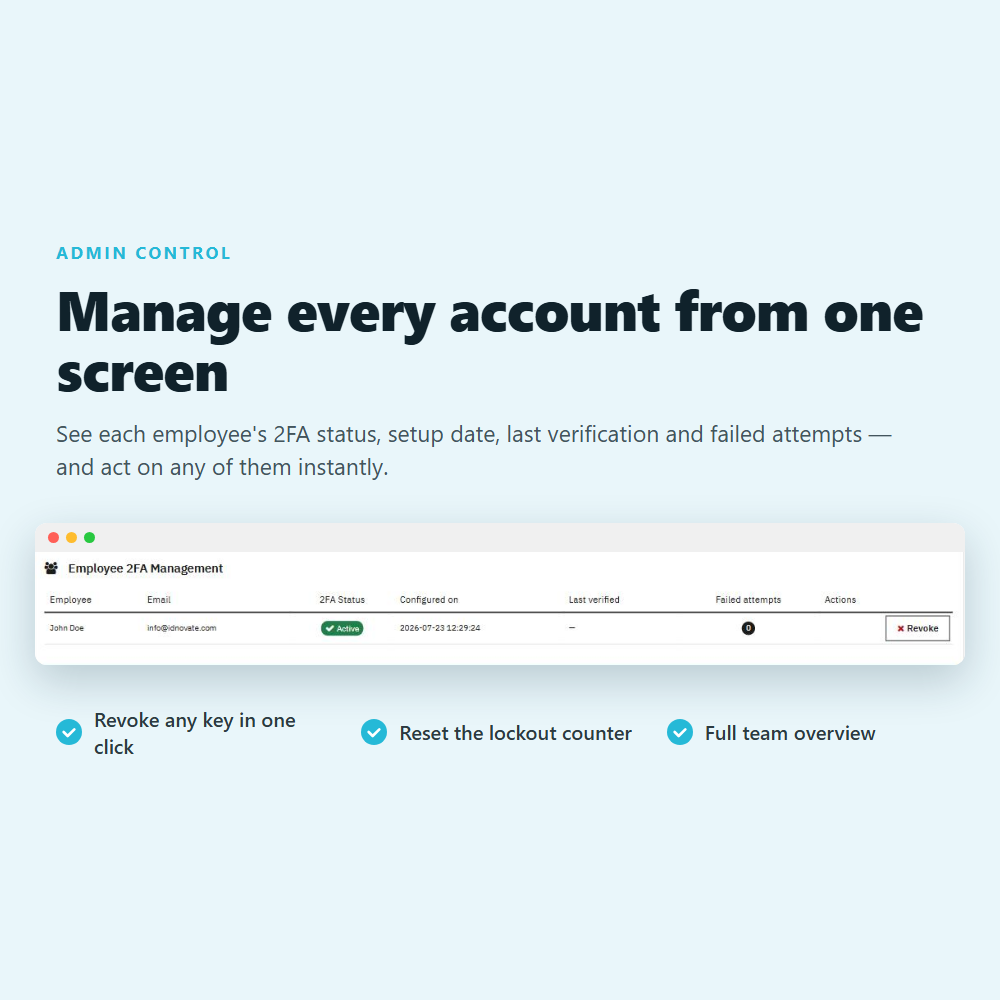
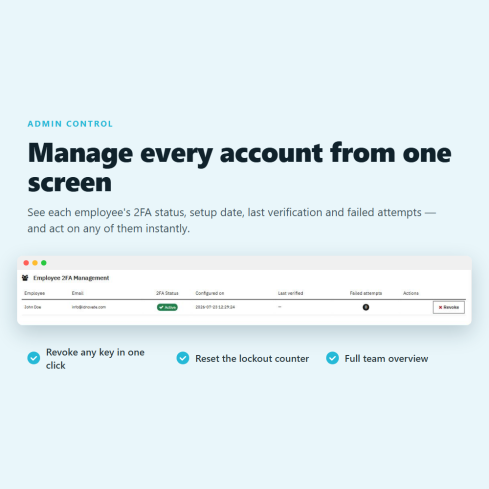
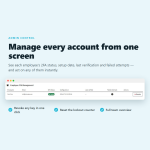
A single table lists every employee with their 2FA status, setup date, last verification and failed-attempt count, so you see who is protected at a glance. Revoke any key in one click and it applies at their next login, or reset a lockout counter to unlock somebody instantly.
Accounts lock automatically after 10 consecutive wrong codes, and recovery-code attempts count towards the same limit. Each code works only once within its 30-second window, so a code that was intercepted is already worthless by the time it is replayed. An administrator can lift a lockout at any time.
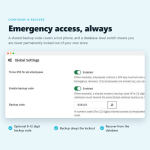
Each employee gets their own recovery code, hidden on their row until they choose to reveal it, so losing a phone never means losing access. It works exactly once and then a fresh one is issued. If a whole team is ever locked out, a single configuration value in the database lifts the requirement.
Employees can tick a box to skip the code on a browser they trust, and you decide how often a code is asked again, from every login to once a month. Trusted devices are cleared automatically whenever that employee's password or key changes.
Exempt up to 32 addresses you control, such as your office or your VPN, and signing in from there never asks for a code. The check runs before every other rule, so even the forced setup is skipped, and it uses the address your server reports because forwarded headers can be faked.
A dedicated tab records every connection, wrong code and lockout, newest first, with the date, the employee, their email and the IP address. Entries are colour-coded so a problem stands out at a glance, and only an employee allowed to edit employees can clear it, so the trail cannot be quietly erased.
Get an email the moment anyone signs in to your back office, with the employee, the IP address and the method used. A separate switch warns you when a code is rejected or an account locks out, which is the signal that somebody is trying to get in, so you can watch for intrusions without a message on every login.
FREQUENTLY ASKED QUESTIONS - FAQ
❓ Which authenticator apps does it work with?
➡️ Any app that follows the TOTP standard (RFC 6238): Google Authenticator, Authy, Microsoft Authenticator, FreeOTP, 1Password, Bitwarden and many more ⚙️.
➖
❓ What happens if an employee loses their phone?
➡️ They sign in with their personal recovery code, then regenerate their key from the management table in one click ✔. And if nobody can get in at all, a single configuration value in the database lifts the requirement, so there is always a way back ✅. And if nobody can get in at all, a single configuration value in the database lifts the requirement, so there is always a way back ✅.
➖
❓ Can I require every employee to use 2FA?
➡️ Yes. Turn on Force 2FA for all employees and anyone without a key is guided through setup before they can access the back office ⚡.
➖
❓ Could my whole team ever get locked out?
➡️ No. Beyond each employee recovery code, a single configuration value in the database disables the requirement, so you always have a way back in ✅.
➖
❓ Do employees have to enter a code at every login?
➡️ No. Turn on trusted devices so they can skip the code on a browser they trust, and choose how often a code is asked again, from every login to once a month ✅.
➖
❓ Will I know when someone signs in to the back office?
➡️ Yes. Enable the email alert and you get a message on every new sign-in with the employee, IP address and method used ✅.
➖
❓ Does it change how my customers log in?
➡️ No. This module protects the back office (employee) login only. Your storefront and customer accounts are not affected in any way ✅.
➖
❓ Does it need an internet connection or an external service?
➡️ No. Codes are generated on the employee's device and checked on your own server. No third-party service, no subscription and no API key ⚙️.
➖
❓ Does it work with multistore and multiple languages?
➡️ Yes. The module is multistore ready and available in 18 languages, including regional variants ✅.
➖
❓ Do you offer support and updates?
➡️ Yes. You get free updates and support from idnovate. Contact us before and after your purchase for any question ✅.