Shopping Cart



- Online only
- -20%
- New
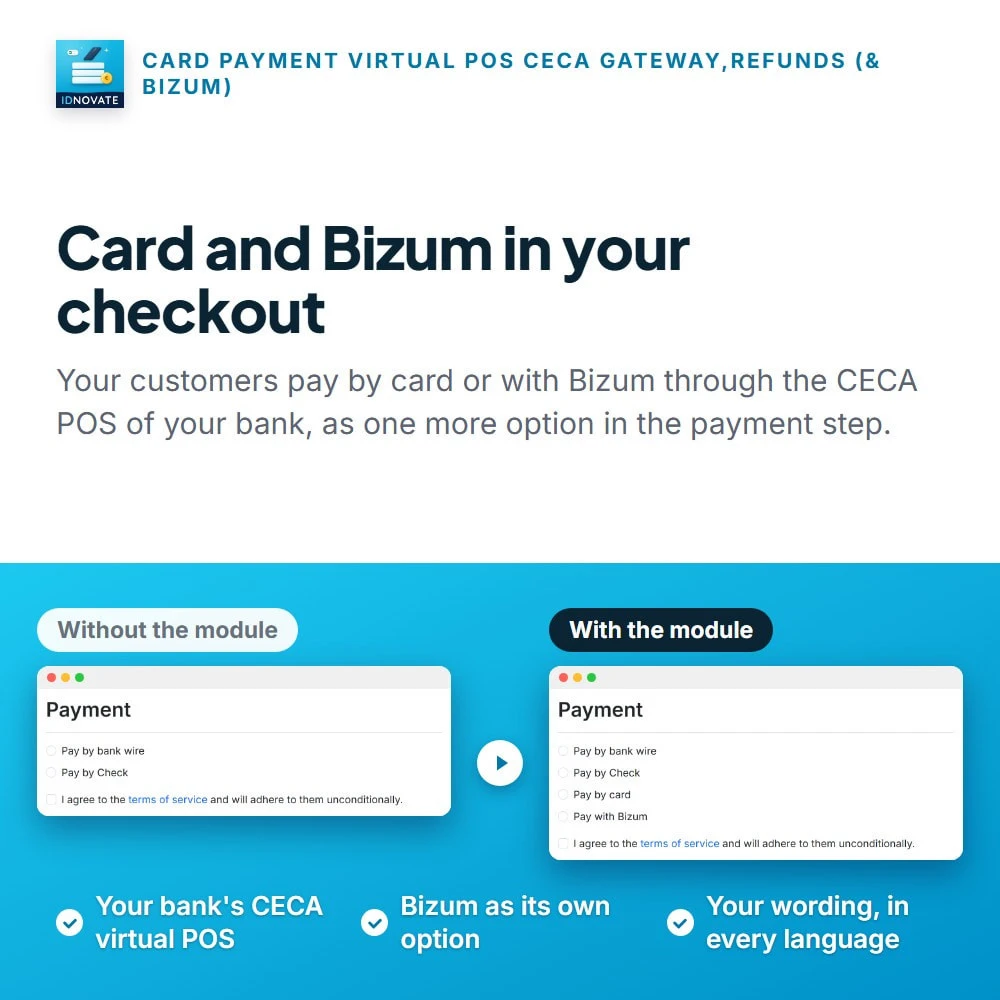
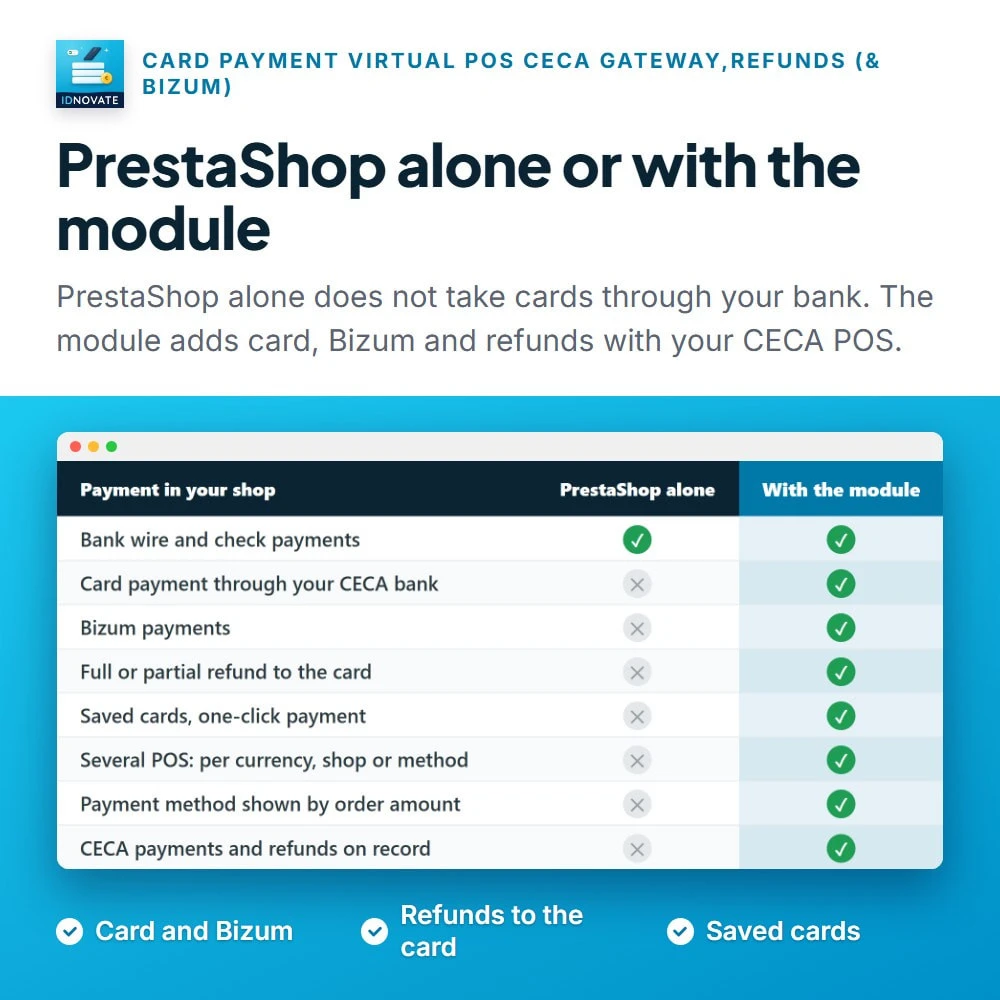
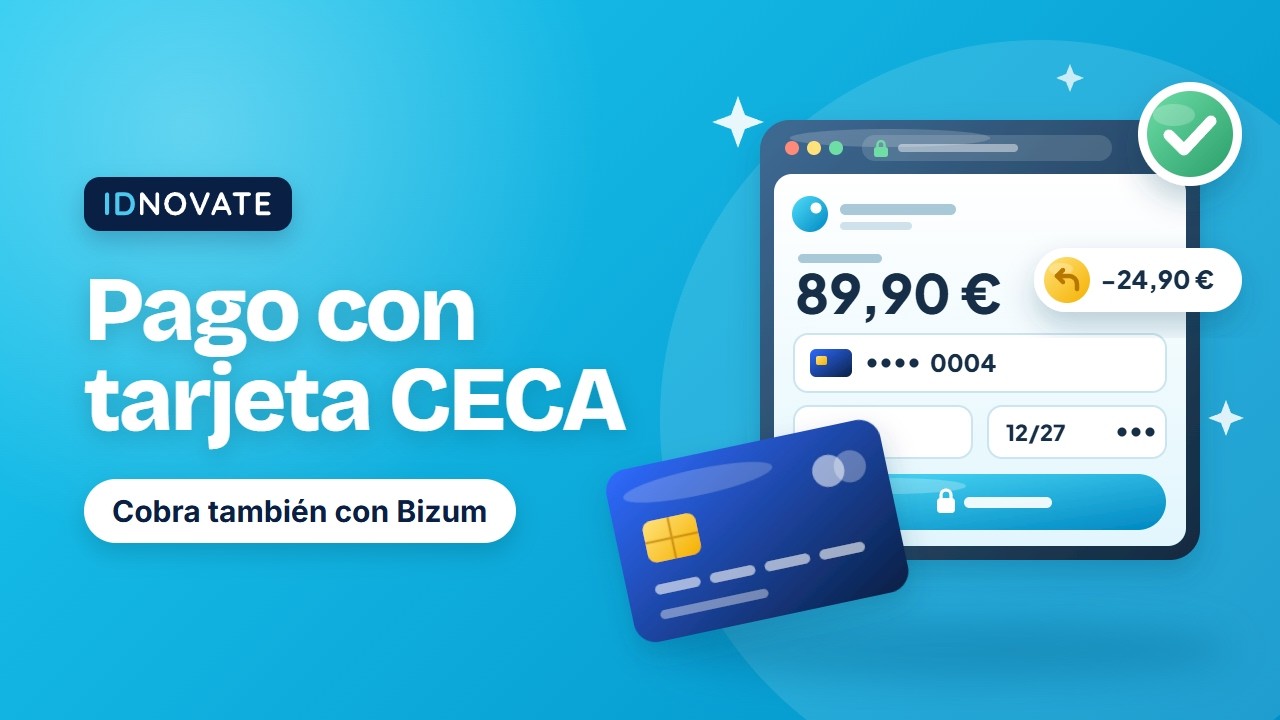
⚡ Your bank has given you a CECA virtual POS, but PrestaShop cannot take payments with it on its own. Our module adds it to your checkout as card and Bizum ®* payment options, creates the order as soon as CECA confirms the payment and lets you refund it to the card without leaving PrestaShop. Your customers pay on the secure page of CECA or, if CECA allows it, inside your shop, and returning customers pay with their saved card in one click.
❓ Why choose our module?
❓ What makes this module essential for your shop?
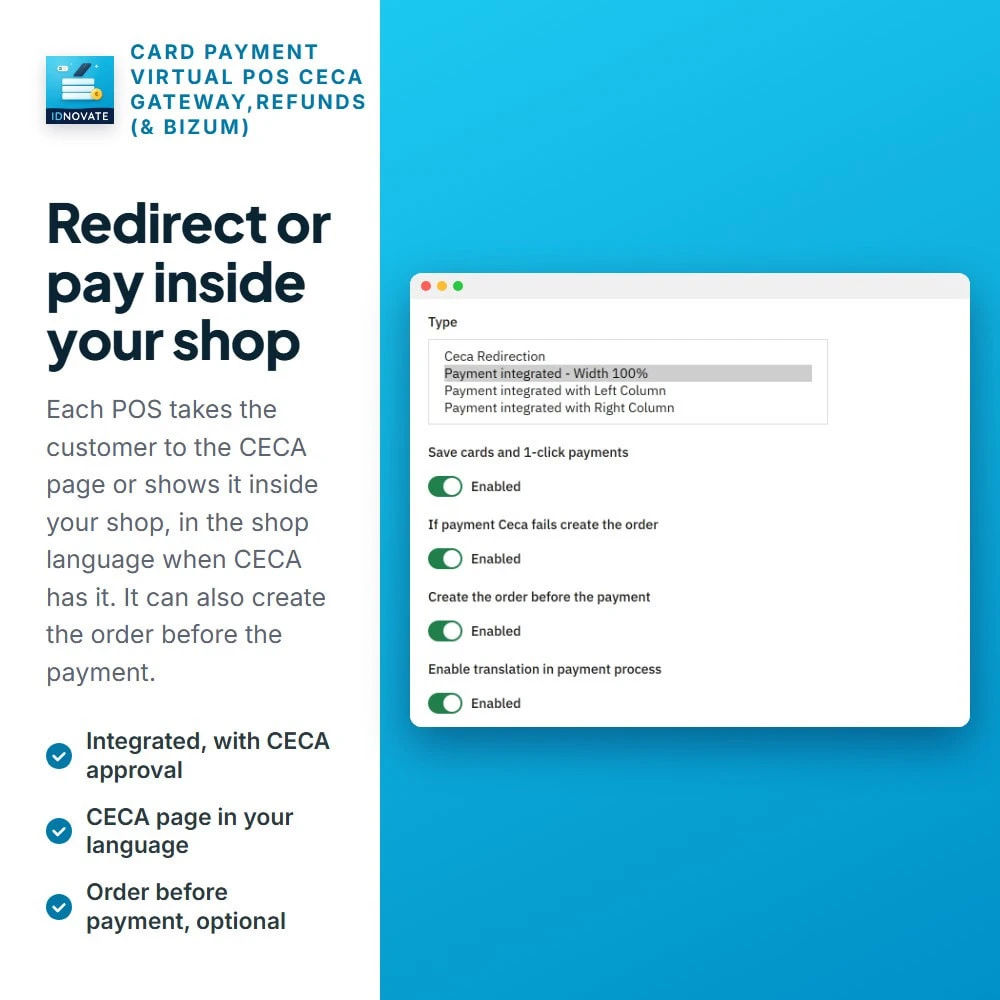
The customer chooses the card option at checkout and pays on the secure page of CECA, or inside your own payment page when CECA authorises integrated payment. The order is created from the notification of CECA, even if the customer closes the browser after paying. ⚡
Turn Bizum ®* on in a POS approved by your bank and offer it at checkout with your own text, such as «Pay with Bizum ®*», in every language. ✅
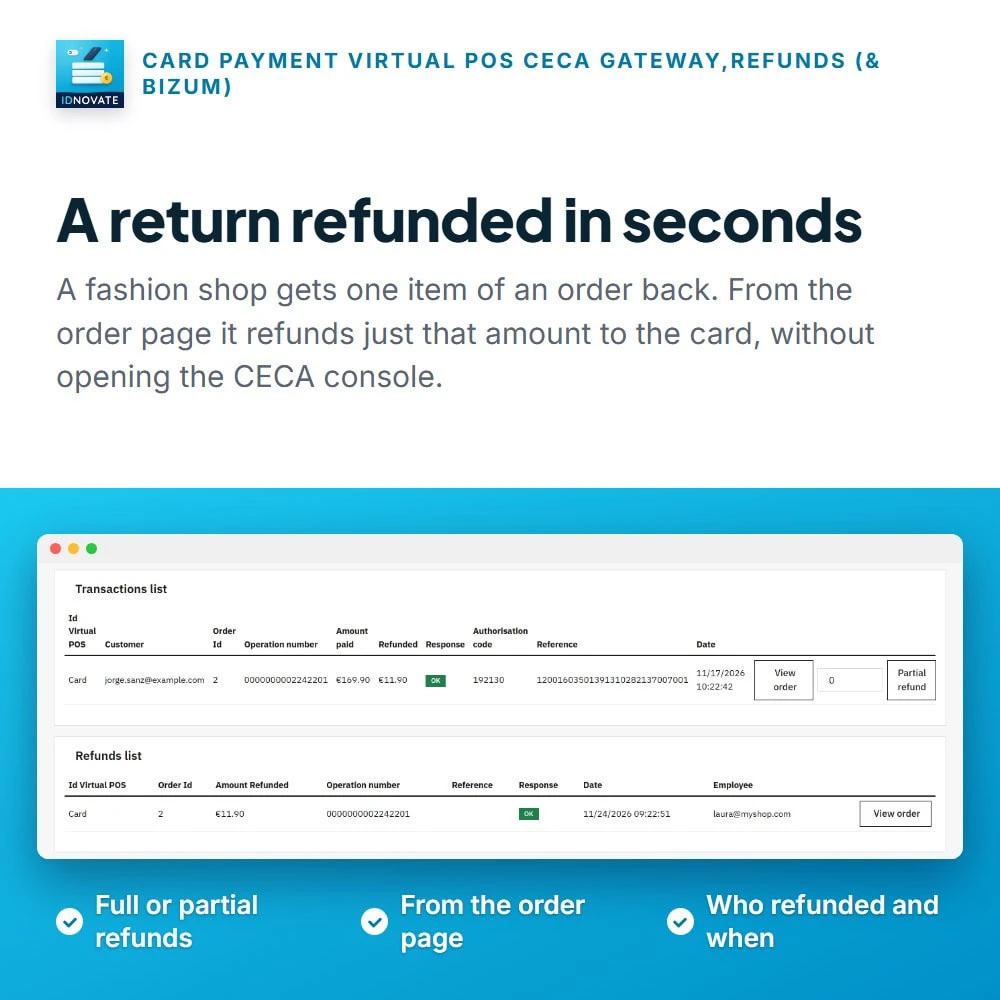
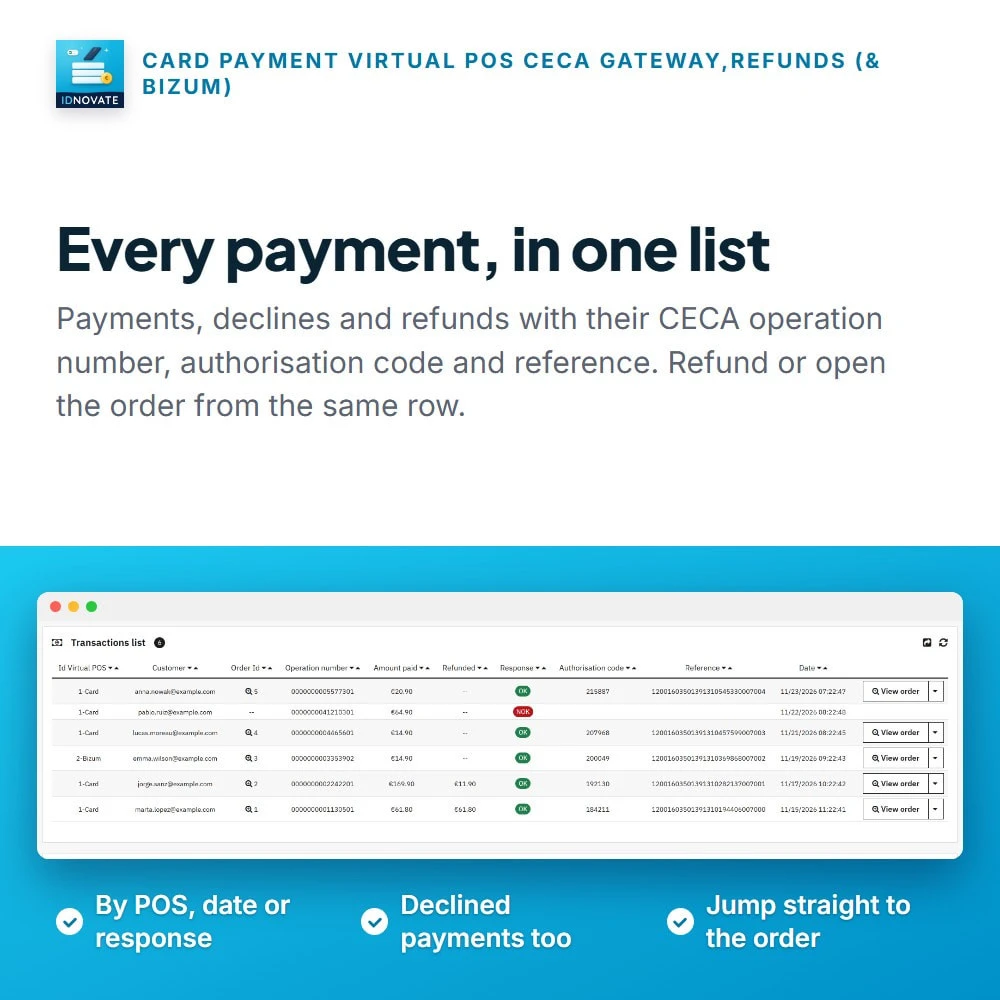
Refund a whole order, or just the amount of the items sent back, from the list of operations or from the order page, without opening the CECA console. Each refund is recorded with its amount, date and employee. ✨
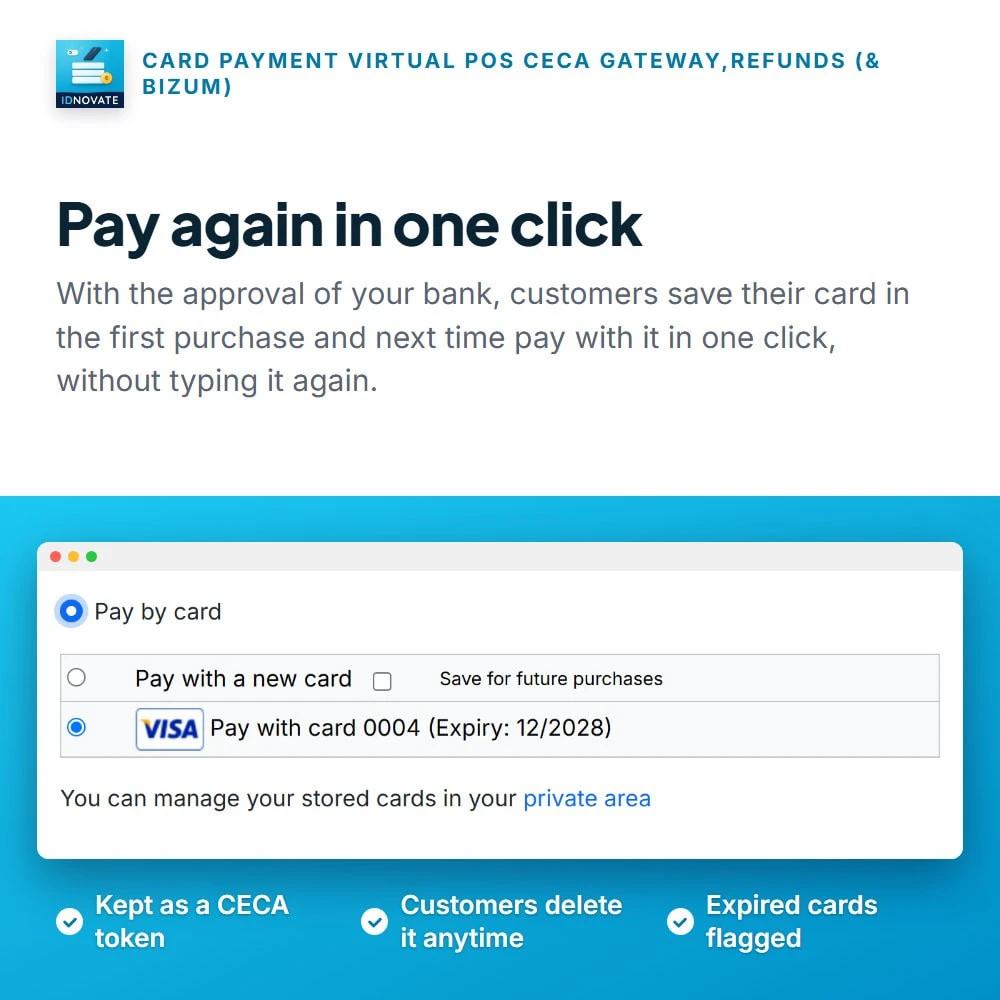
With the approval of your bank, customers save their card at checkout and next time pay with it in one click (PrestaShop 1.7 and later). They can delete their cards from their account, and expired cards are flagged. ✅
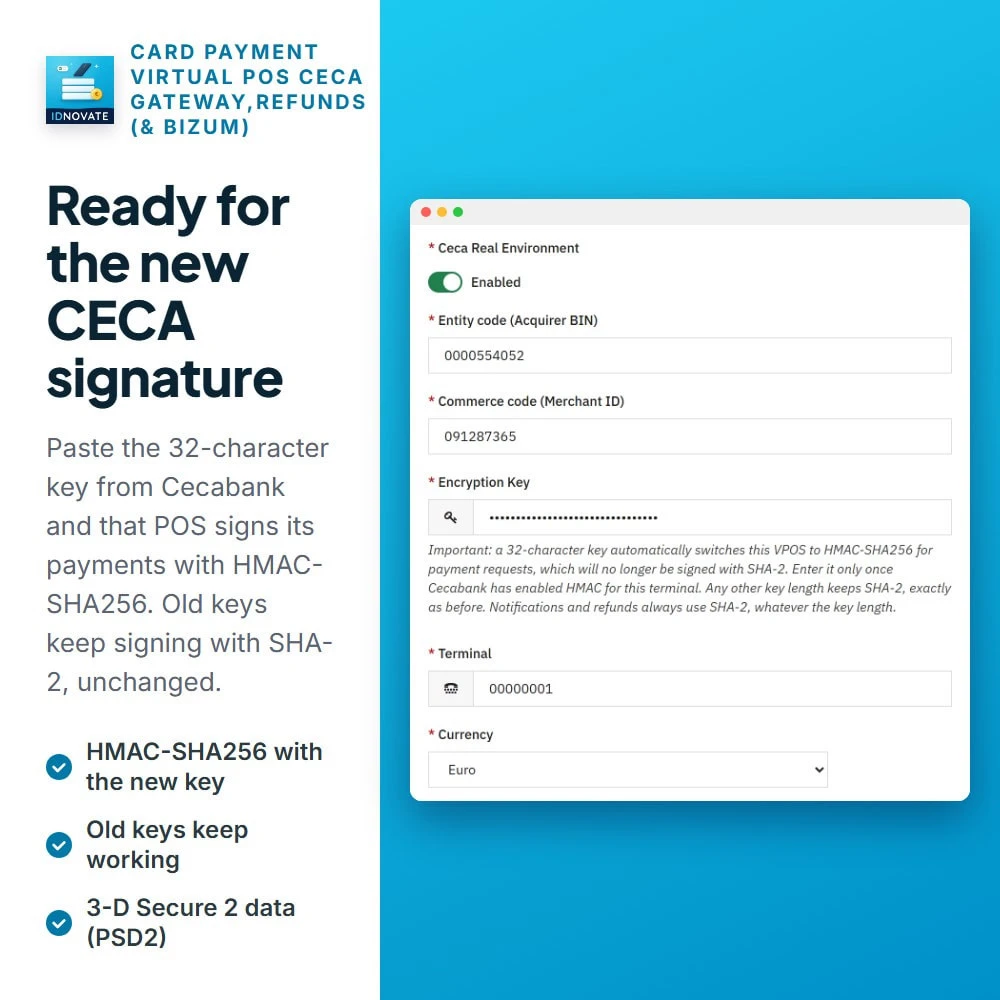
Paste the new 32-character key from Cecabank and that POS signs its payment requests with HMAC-SHA256. Older keys keep signing with SHA-2, so nothing changes until you decide, and 3-D Secure 2 (PSD2) data goes with every payment. ⚡
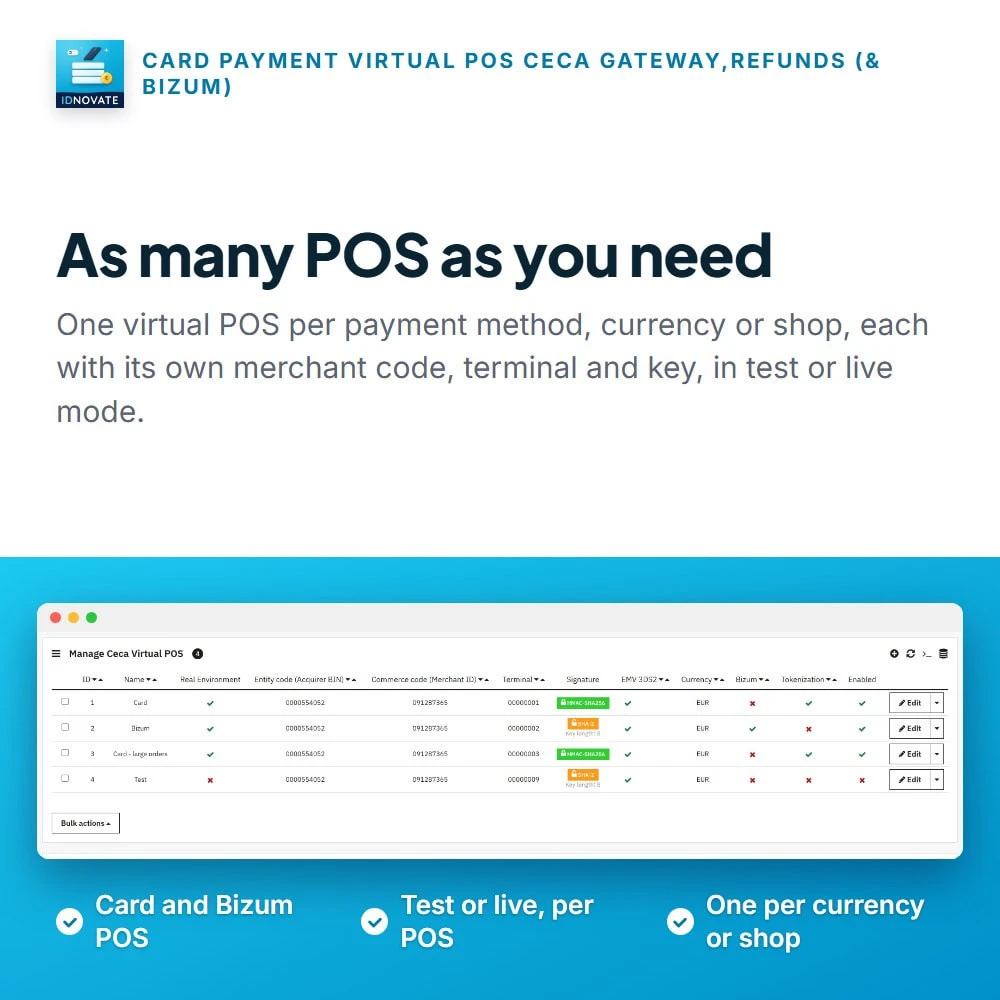
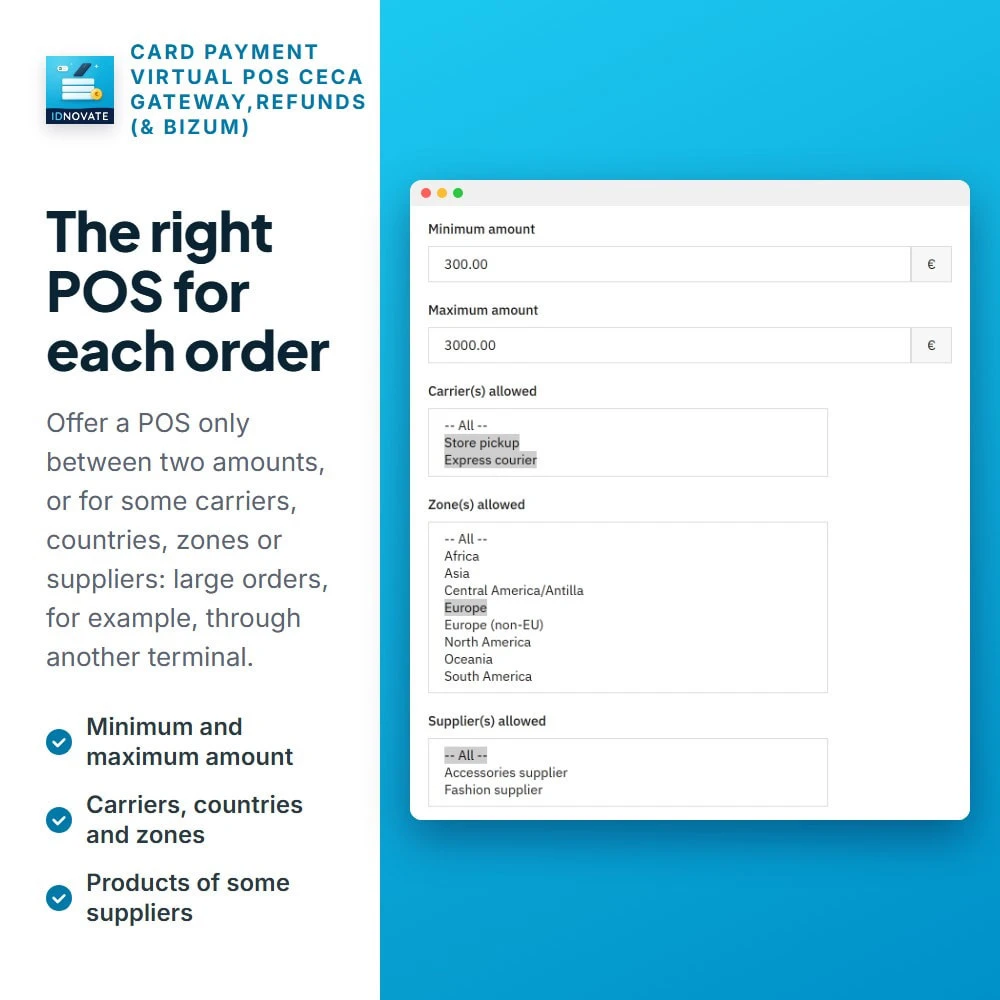
Offer a POS only between two order amounts, or only for some carriers, countries, zones or suppliers: large orders, for example, through another terminal. ✅
Create the order before the customer pays, in «Awaiting payment Ceca» status, and it moves to «Payment accepted» with its confirmation email when CECA confirms the payment. ✨
❓ What are the main features of the module?
▪️ The module shows the notification URL to set in the CECA administration panel.
FREQUENTLY ASKED QUESTIONS - FAQ
❓ Which banks does it work with?
➡️ With any bank that gives you a virtual POS on the CECA platform (Cecabank). You only need the entity code, merchant code, terminal and key that your bank gives you.
❓ Can I offer Bizum ®*?
➡️ Yes, if your bank has enabled Bizum ®* for your POS. Create a POS with Bizum ®* turned on and give it its own text at checkout, such as «Pay with Bizum ®*».
❓ Can I refund only part of an order?
➡️ Yes. Type the amount and refund it from the list of operations or from the order page. You can make several partial refunds until the amount paid is reached.
❓ Does the customer leave my shop to pay?
➡️ By default the customer pays on the secure page of CECA and comes back to your shop. If CECA authorises integrated payment, the payment page is shown inside your shop.
❓ Is the order created if the customer closes the browser after paying?
➡️ Yes. The order is created from the notification that CECA sends to your shop, not from the return of the customer.
❓ What changes with the new 32-character key from Cecabank?
➡️ Nothing to configure: paste it in the POS and its payment requests are signed with HMAC-SHA256. Enter it only when Cecabank has enabled HMAC for your terminal; with the old key, the POS keeps signing with SHA-2.
❓ Are card numbers stored in my shop?
➡️ No. With saved cards, CECA keeps the card and your shop only stores a token, the last digits and the expiry date.
❓ Can I use different POS for different currencies or shops?
➡️ Yes. Create one POS per currency, shop or payment method, and choose for each one the amounts, carriers, countries, zones and suppliers it is offered for.
❓ Can I test before going live?
➡️ Yes. Each POS has its own switch between the test environment of CECA and the real one.
muy buen modulo y el soporte es excelente, cualquier adaptación necesites lo hacen sin problemas , ademas son muy profesionales y rápidos

Works out of the box.
It also allow returns from the back-office. Great!
Extraordinary quality support!!! The module is well designed and does what is supposed to... but as the developer claims their true strength is the support they offer! One of their advisors was working with us for nea...
Muy buena atención al cliente y muy rápido. Un módulo fácil de usar y bueno. Recomendado 100%

Muy buen soporte, el módulo funciona perfectamente.
Módulo súper completo y soporte inmejorable! Desarrollador de confianza, comprometido y comunicativo, sin duda recomendable :)
To take Bizum payments in your online store, you need two things: your bank has to enable Bizum on your Virtual POS, and a payment module has to connect it to PrestaShop. Here's what to ask your…
Bizum is one of the payment methods that has grown the most lately and is one of the most widely used in Spain. This payment method is easy, fast and secure. And at idnovate we have several Bizum…