Shopping Cart


- Online only
- -20%
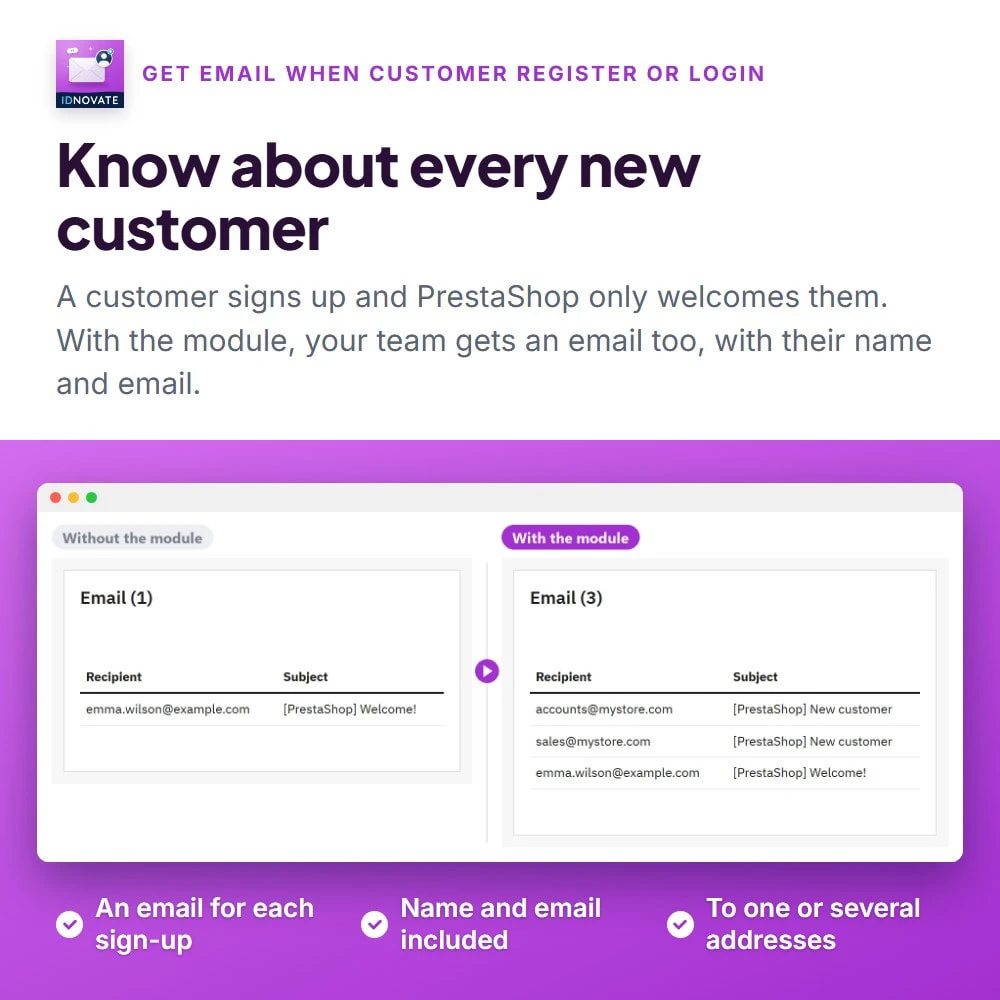
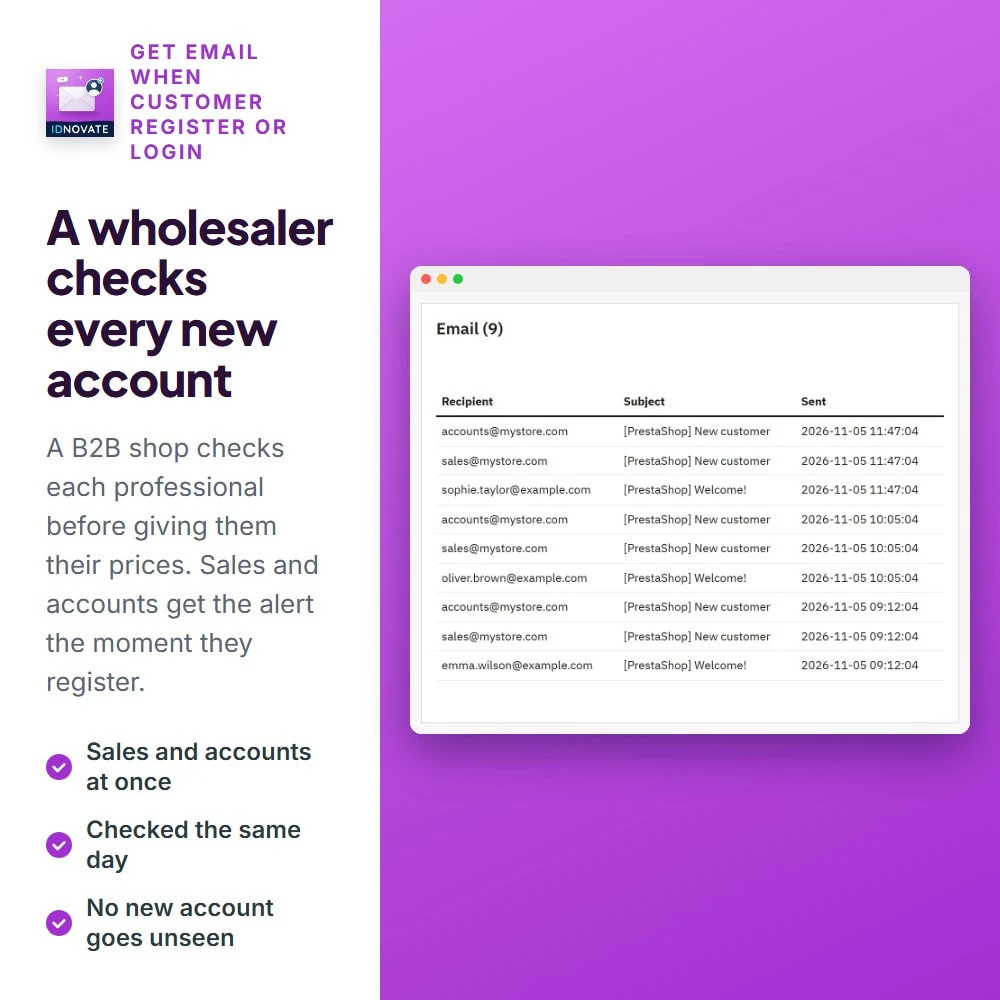
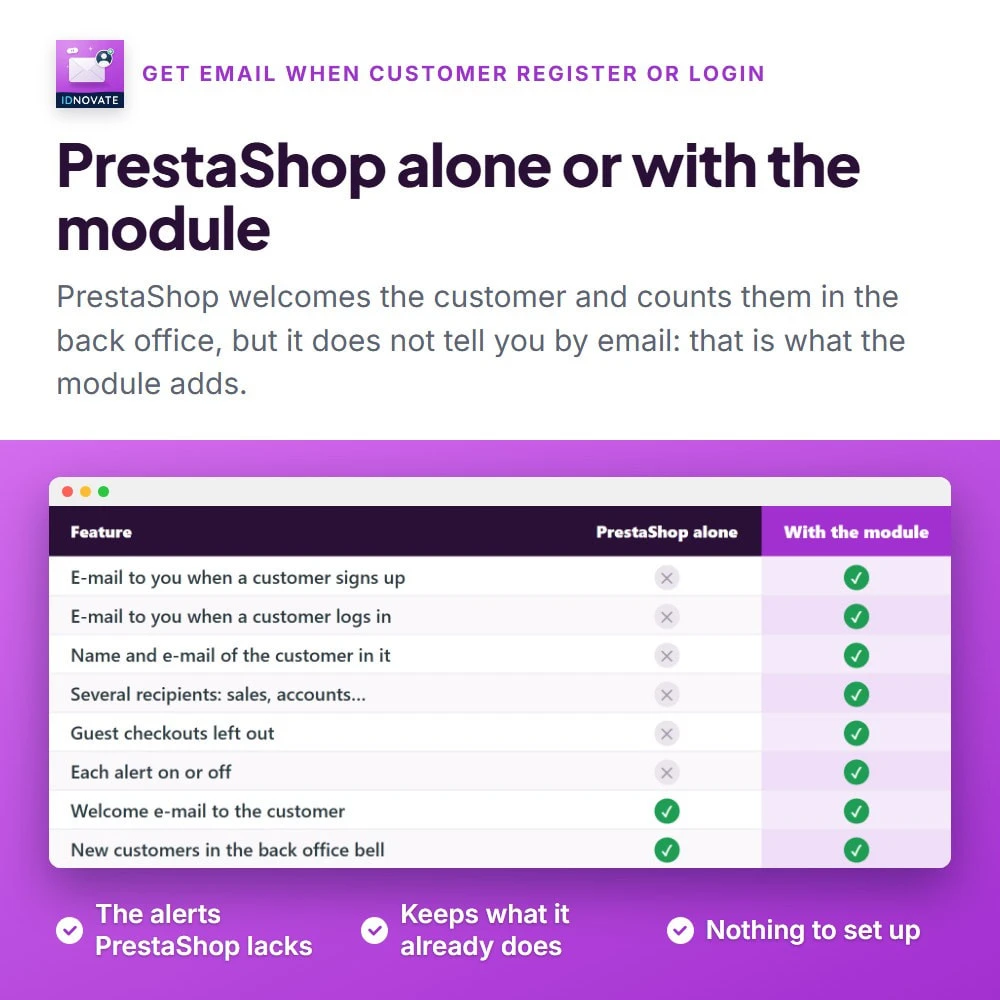
⚡ A new customer has just created an account in your store, and PrestaShop does not tell you. A regular customer comes back and logs in, or someone tries again and again to get into an account and fails, and you only find out later, if ever. Our module sends you an email the moment it happens, with the name and email of the customer, so you can welcome them in person, send a voucher to those who register and do not buy, or offer help to whoever cannot log in.
❓ Why choose our module?
❓ What makes this module essential for your shop?
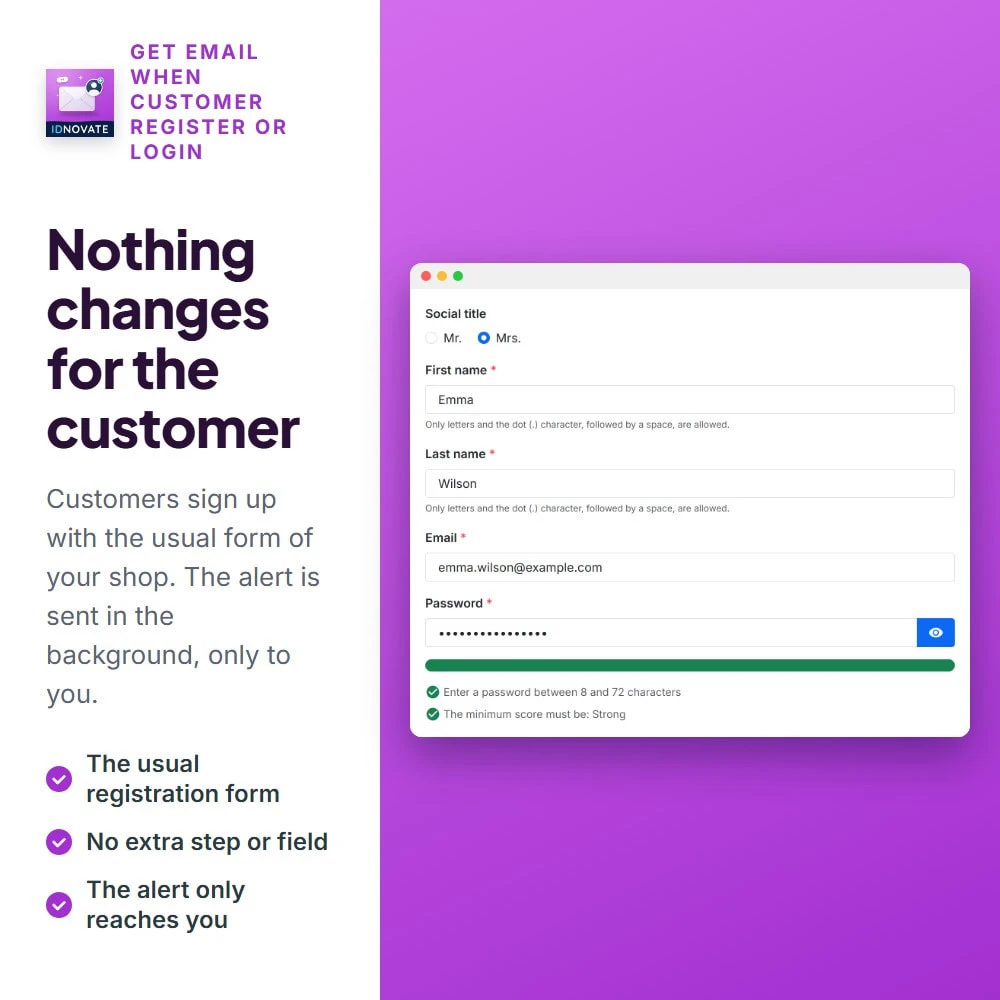
An email for each new account, with the first name, last name and email of the customer. Welcome them, add them to your campaigns or send a voucher to those who have not bought yet. ⚡
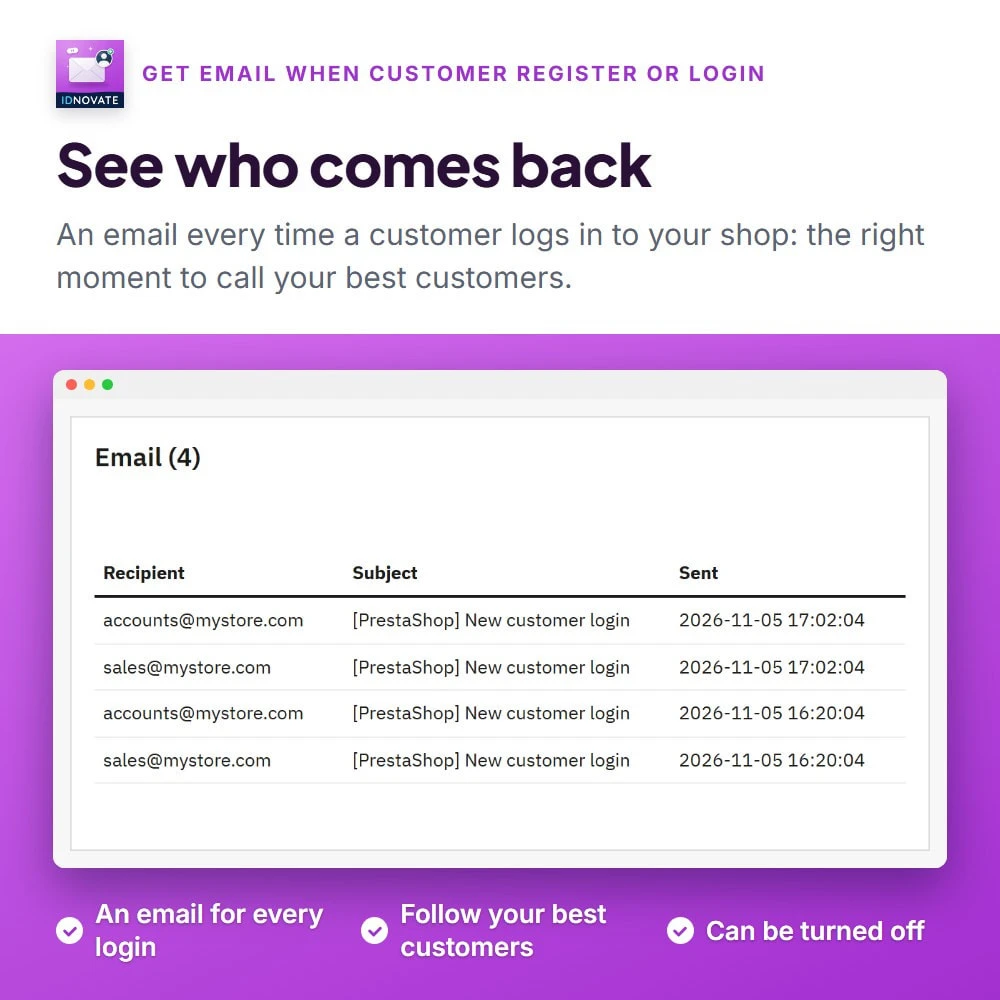
An email every time a customer logs in to the storefront, to follow your best customers or call them while they are browsing. ✅
From PrestaShop 1.7, an email when a login attempt fails (wrong password, unknown email, disabled account) with the email typed in the form: help the customer before they give up, or notice repeated attempts on an account. ✨
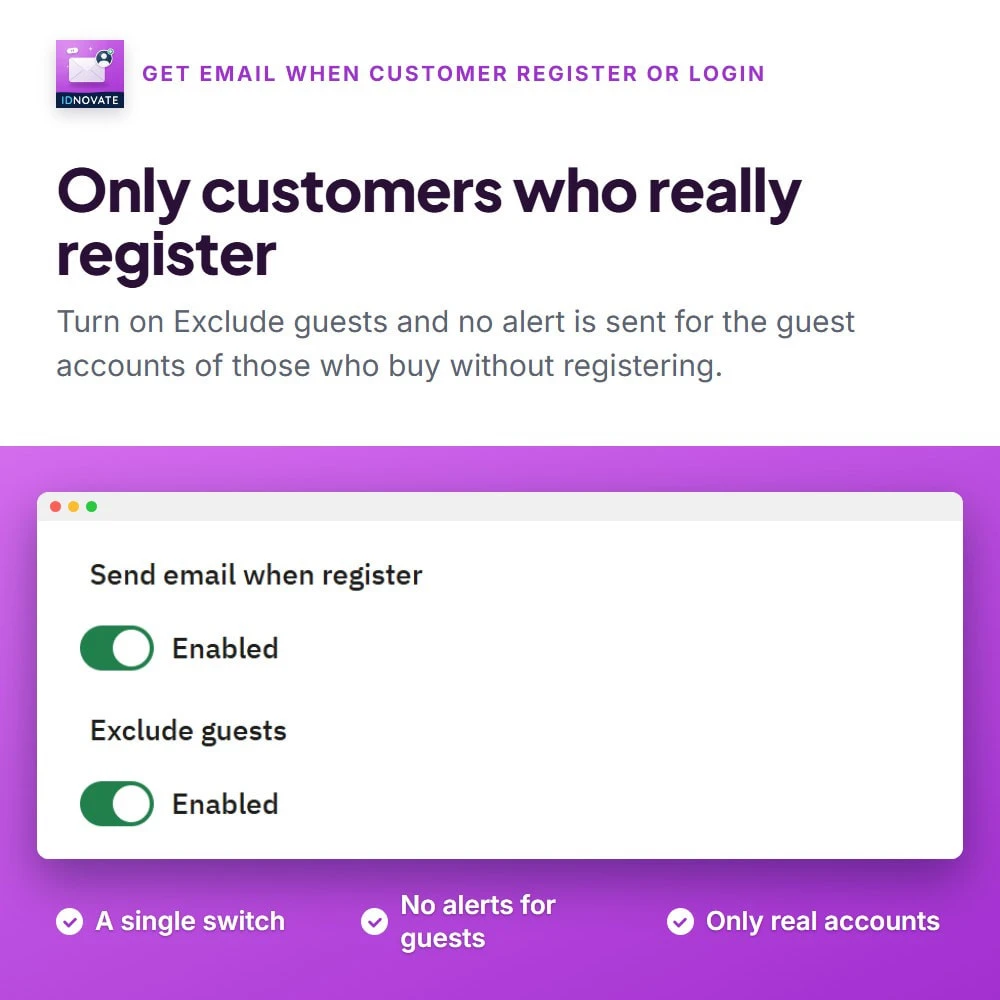
One switch stops the alerts for guest accounts, so you only hear about customers who really register. ✅
❓ What are the main features of the module?
FREQUENTLY ASKED QUESTIONS - FAQ
❓ Which events send an email?
➡️ A customer creating an account, a customer logging in and, from PrestaShop 1.7, a login attempt that fails. Each one can be turned on or off.
❓ Can several people receive the alerts?
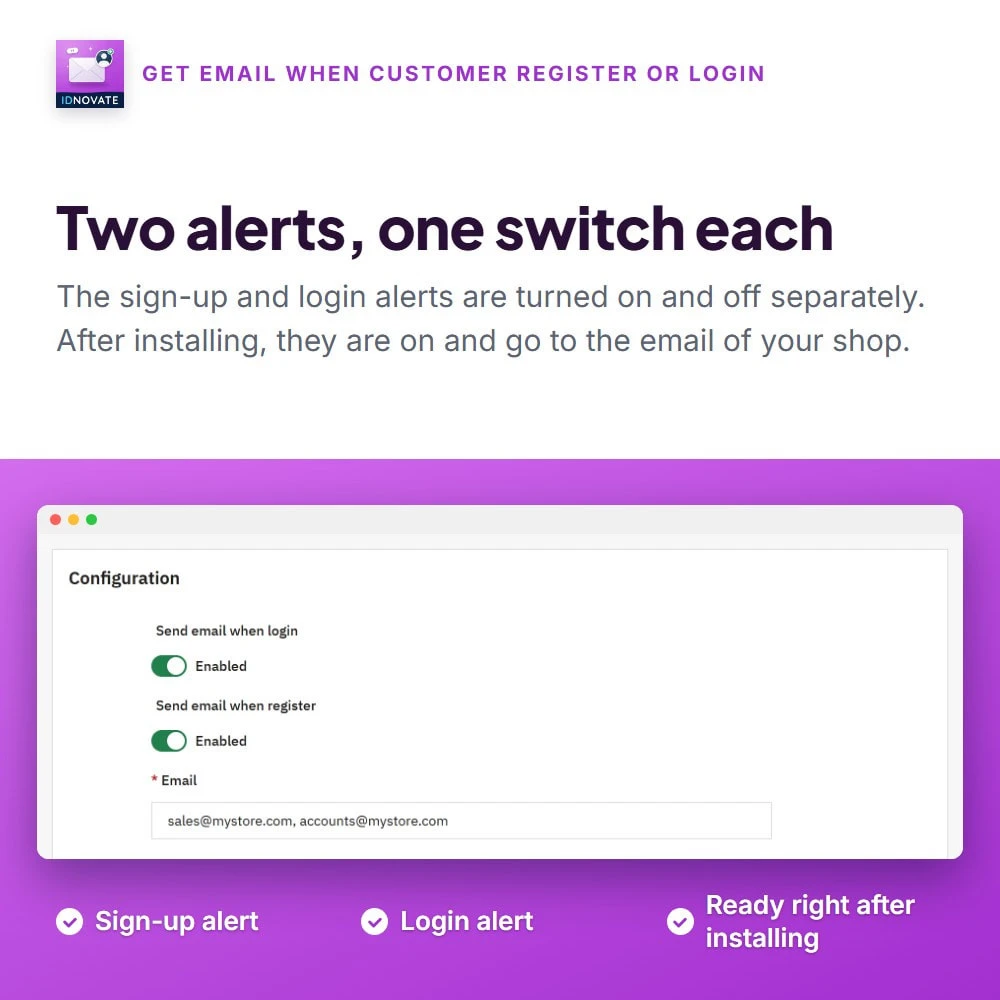
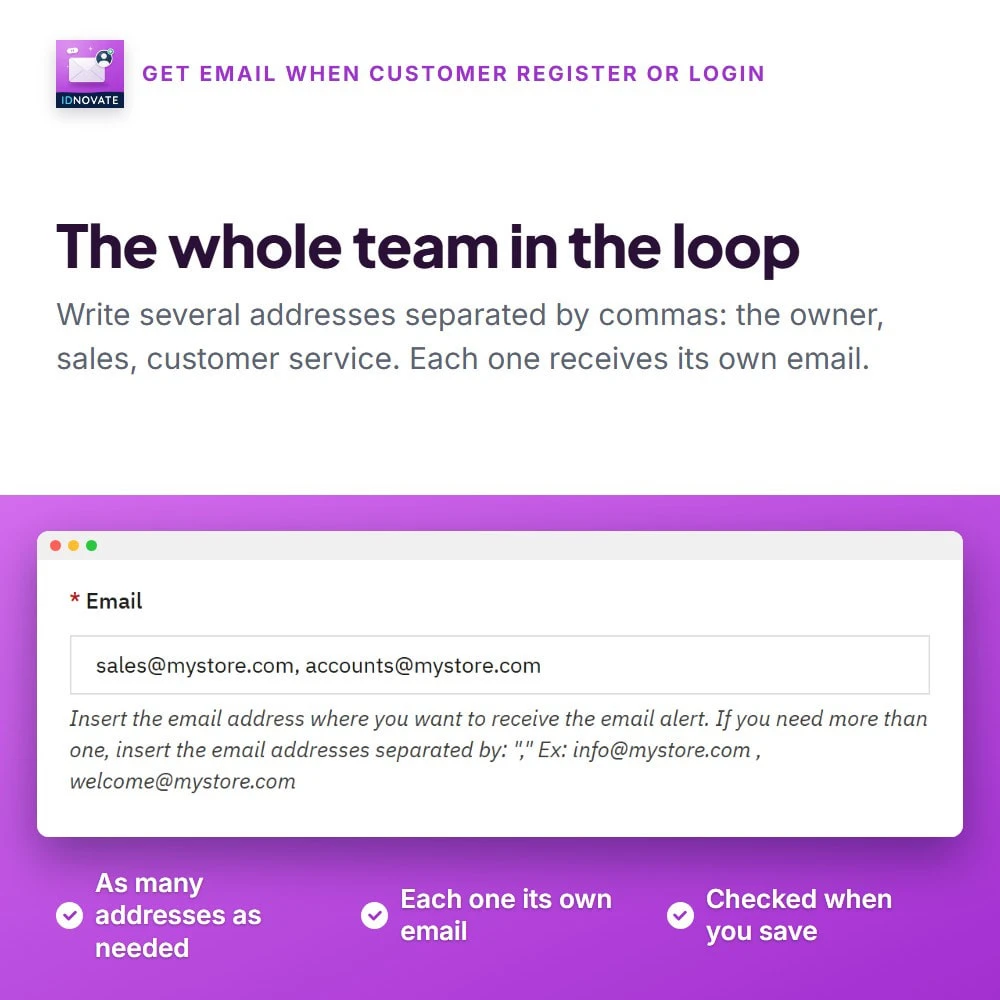
➡️ Yes. Write the addresses separated by commas, for example info@mystore.com, sales@mystore.com. Each address receives its own email.
❓ What information does the email include?
➡️ The first name, last name and email of the customer. For a failed login, the email address typed in the login form. The password is never sent.
❓ Can I stop the alerts for guest checkouts?
➡️ Yes. Turn on Exclude guests and the module will not send an email for guest accounts.
❓ Will I receive too many emails?
➡️ The login alert sends one email for every login, which can be a lot in a busy store. Turn it off if you only want to hear about new customers.
❓ In which language are the emails written?
➡️ In the default language of your store, with the same email layout as the other emails of your shop.
❓ Do I need to configure anything after installing?
➡️ No. The three alerts are on and go to the email address of your store. Open the configuration only to change the recipients or turn off an alert.
Encantado, sobretodo con el servicio tecnico, gran rapidez en la respuesta y en la resolución de problemas

Servicio de calidad y rápido. Cualquier consulta la resuelven en un tiempo récord. El módulo funciona tal y como se espera.
Excelente!